Documentation / Advanced Configurations
External Attack AWS
AWS External Scanner with a New VPC
Run a Prancer pentest from a brand-new, isolated AWS VPC that you spin up just for the scan. This is useful when you want the traffic to come from an attacker-like external network rather than from your production VPC.
Before you start
- An AWS account with permission to create VPCs, subnets, internet gateways, ECS clusters and Fargate tasks.
- A target web application reachable from the public internet.
- A PAC application created via the AWS PAC Wizard. On the Scanner Selection step choose New Pentest → External, then Create new VPC.
Note: The VPC, subnet, and IGW are created at scan-start and torn down when AfterRun: delete is set, so each run costs only the Fargate task time.
1. Configure the PAC file
Collection: aws
ConnectionName: aws_connector
CloudType: aws
ApplicatioName: external_safe_001
RiskLevel: safe
Compliance: [CIS, HIPAA]
ApplicationType: WebScan
Schedule: onetime
Target: <your target endpoint>
Scanner:
  Cloud:
    Platform:
      AWS:
        AfterRun: delete
        NewFargate:
          External:
            AccountId: "<account-id>"
            Region: us-west-2
            TaskDefinition: pentest-task
            ClusterName: pentest-cluster
            SecurityGroup: pentest-security-group
            ContainerName: prancer-scanner
            VpcCidr:    10.0.0.0/16
            SubnetCidr: 10.0.0.0/24
            IGCidr:     0.0.0.0/0
AuthenticationMethod: noAuthentication
AddOns:
  - accessControl
  - ascanrulesBeta
  - sqliplugin
| Field | Description |
| --- | --- |
| VpcCidr | CIDR block for the new VPC (e.g. 10.0.0.0/16). |
| SubnetCidr | CIDR for the public subnet inside that VPC. |
| IGCidr | Route allowed through the internet gateway (typically 0.0.0.0/0). |
Warning: Pick CIDRs that don't collide with your existing networks if you ever plan to peer this VPC.
2. Run the pentest
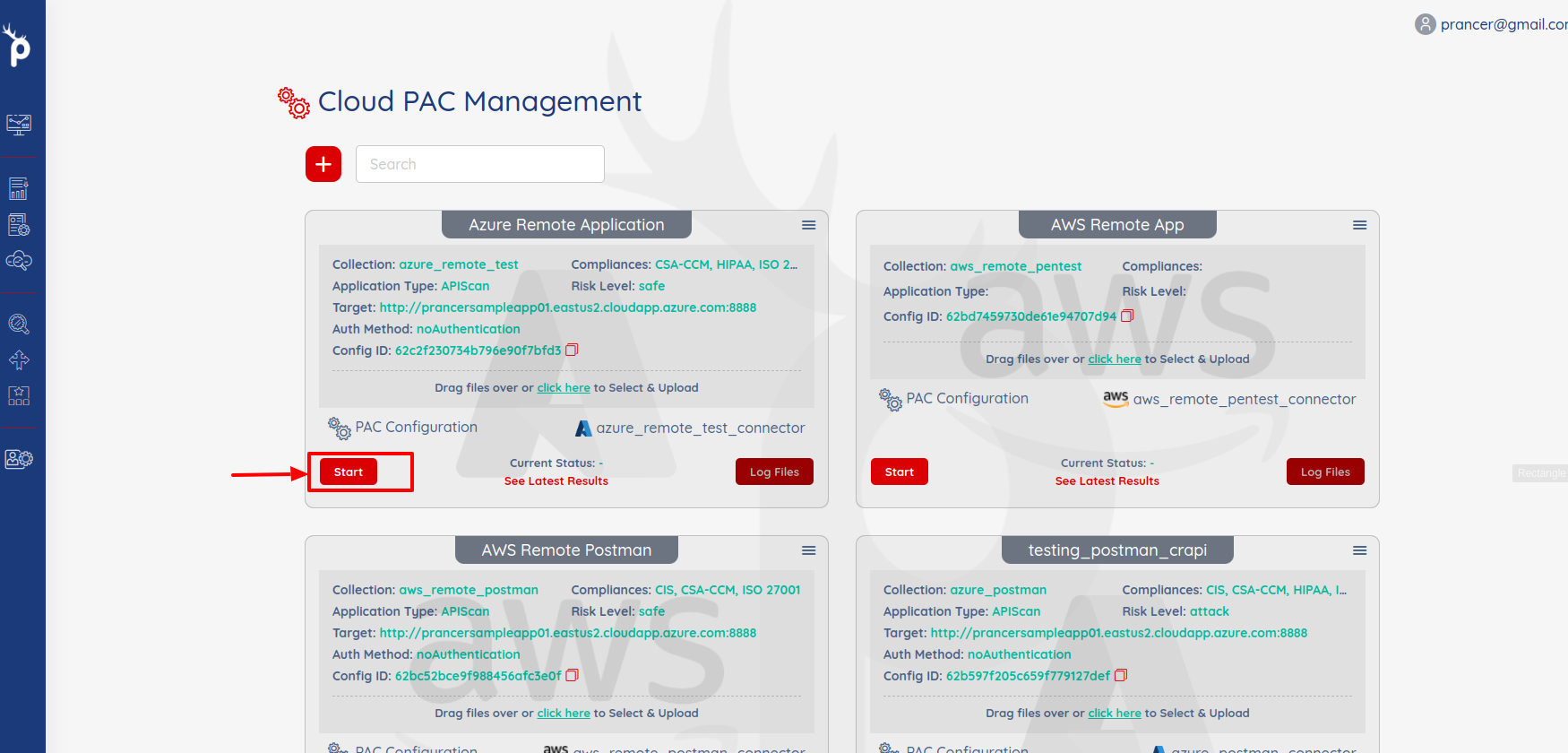
Click Start in PAC Management.
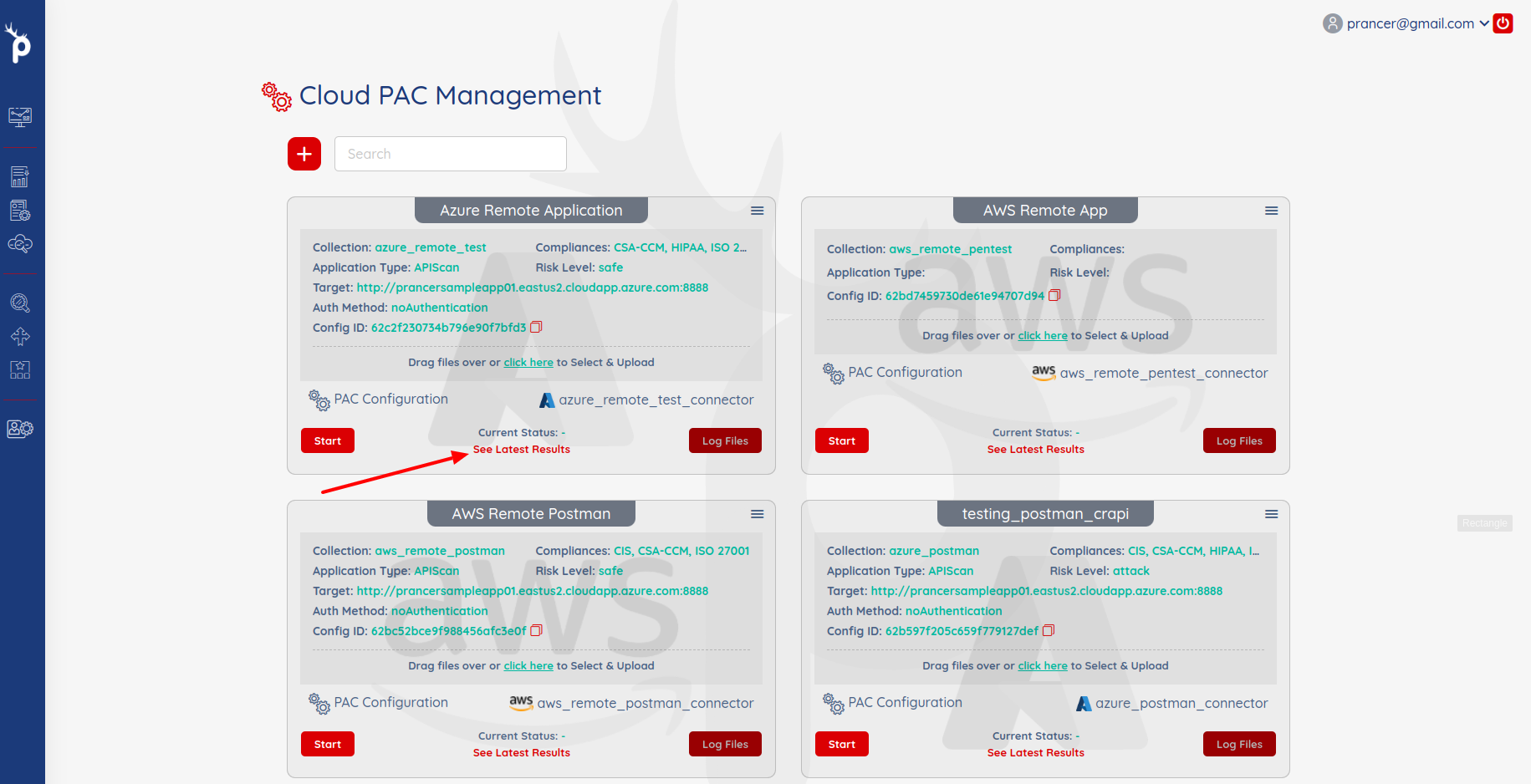
Open See Latest Results when it finishes.
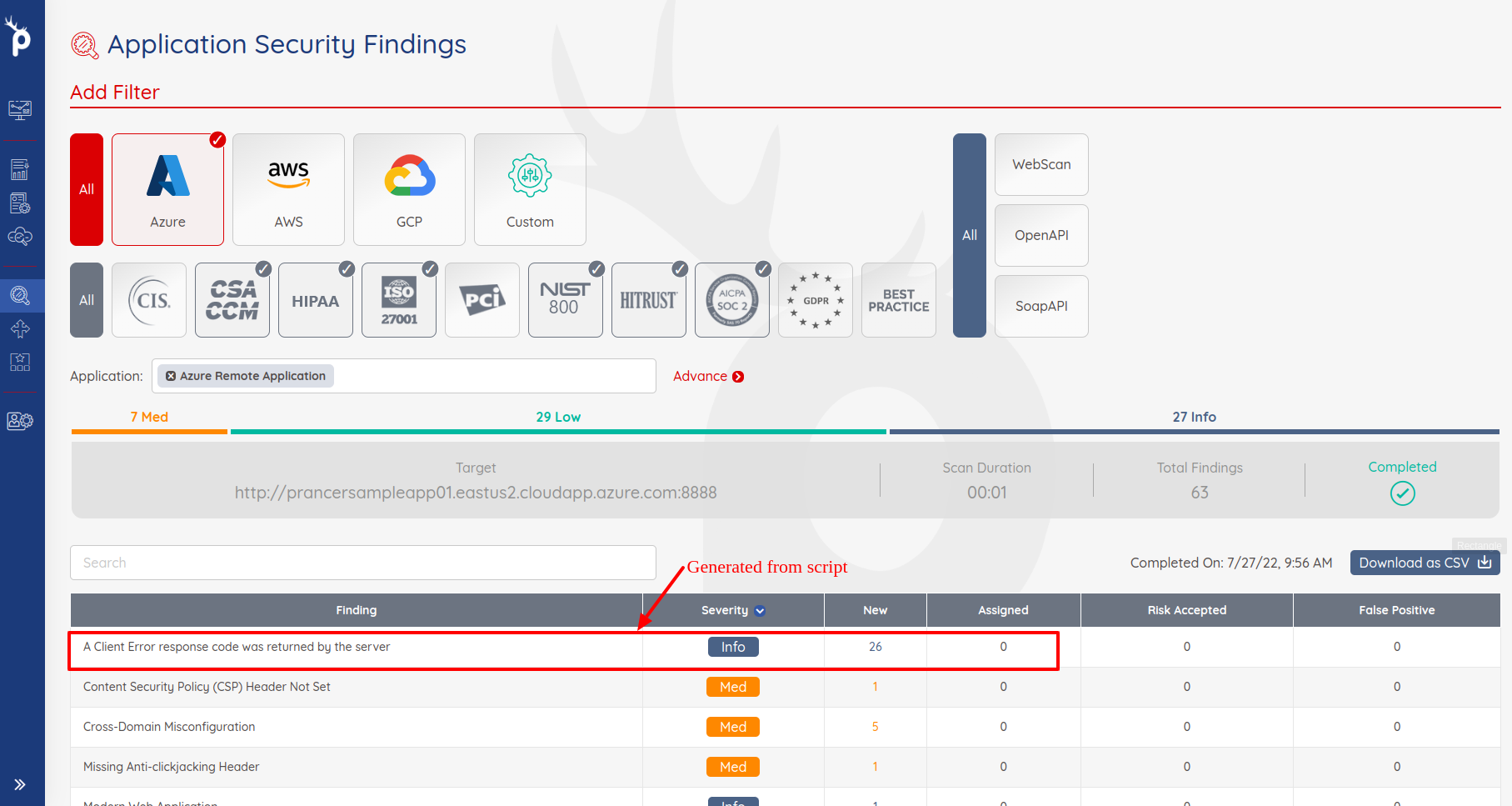
Findings appear in Application Security Findings.
Next steps
- AWS CloudFormation Scanner — supply your own VPC via a template.
- AWS PAC Wizard — base wizard reference.
- Minimum Fail Severity — fail your CI build on critical findings.