Documentation / Application Security
Autonomous Security Wizard
Autonomous Security Wizard
The Autonomous Security Wizard automates the full security assessment lifecycle for your cloud or on-premise environment: it discovers assets, runs CSPM checks, identifies what is pentestable, generates the matching PAC configuration files, and (optionally) launches the pentest — all from a single wizard.
Before you start
- A connector or cloud credentials for the target environment (AWS, Azure, GCP, On-Premise / Unmanaged).
- Permission to create new collections in your tenant.
- Familiarity with Collections and Inventory Management.
What the wizard does
1. Resource crawling — scans the cloud account or IP range to enumerate in-scope assets. 2. CSPM testing — evaluates each resource against compliance and security best practices. 3. Pentestable resource identification — isolates assets that can be safely targeted by PAC. 4. PAC config generation — writes a ready-to-run PAC file per identified target. 5. Optional automated pentest — runs the generated PAC files against the discovered assets.
Step 1 — Choose your environment
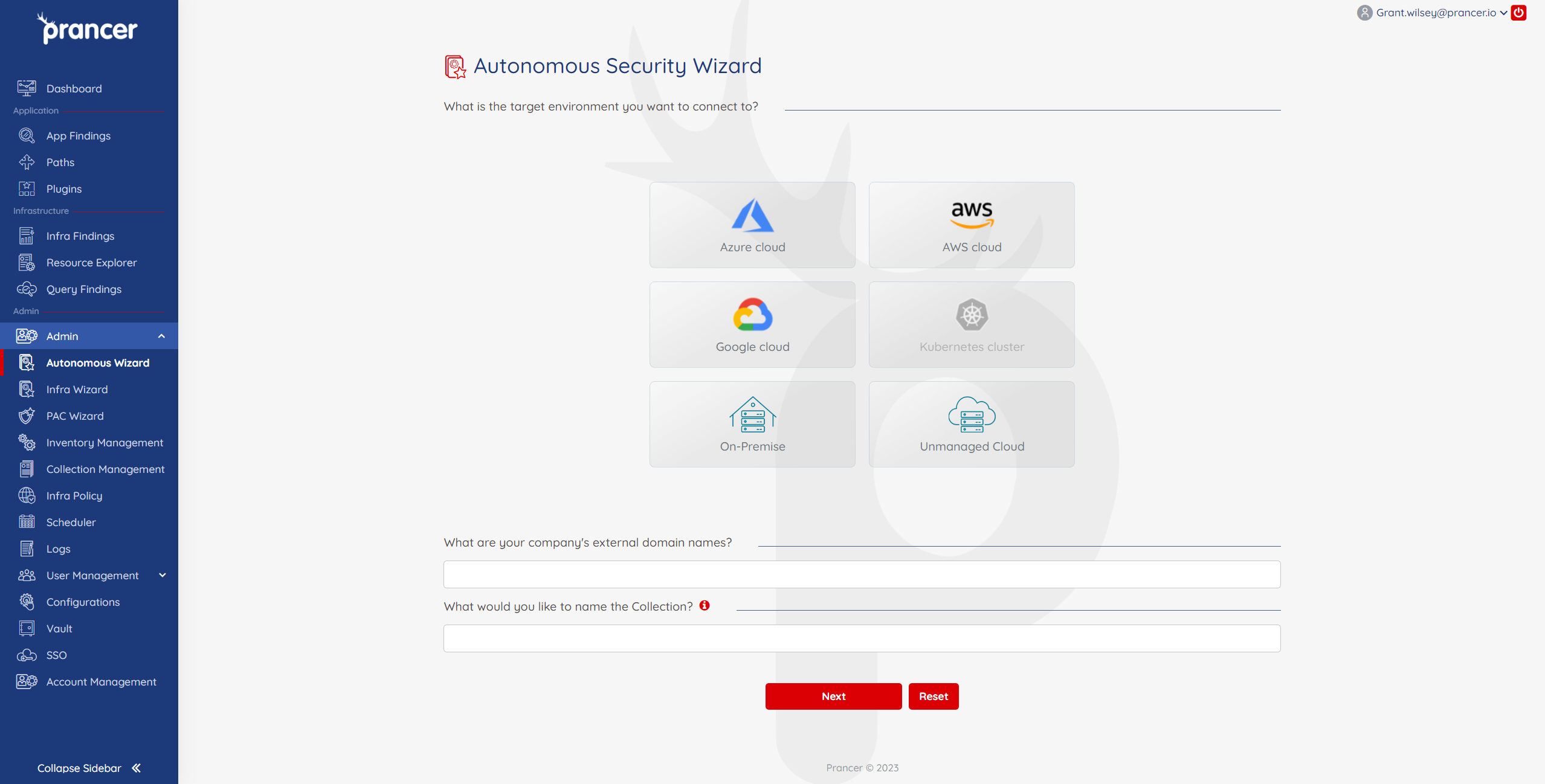
1. Select your target environment:
2. Give the new collection a clear, descriptive name. 3. Click Next to continue to the connection step.
- Cloud — pick the provider (AWS / Azure / GCP) and enter your external domain names.
- On-Premise / Unmanaged Cloud — you will be asked for the IP ranges to include and exclude on the next screen.
Step 2 — Connect and run
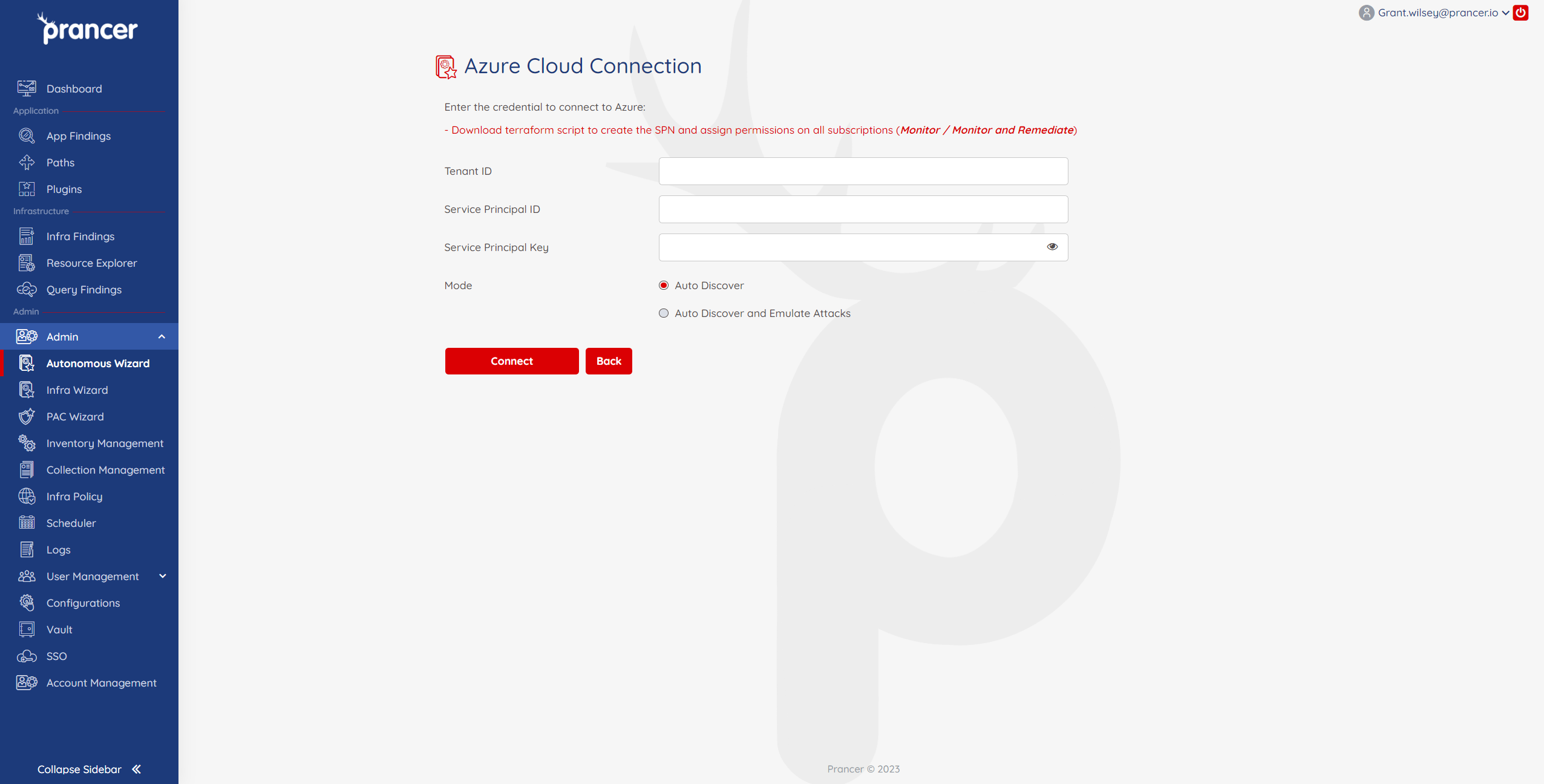
1. Enter the cloud connection details (access keys / service principal / GCP service account). 2. Choose a run mode:
3. Click Run. You will be redirected to Collection Management where the new collection (and any associated cloud connector) appears.
- Auto Discover — discovers subdomains and in-scope assets only. Recommended as a first pass.
- Auto Discover and Emulate Attacks — additionally launches PAC attacks against the discovered assets.
Tip: Always start with Auto Discover to confirm scope. Once you have validated targets, re-run the wizard with Emulate Attacks.
Review results
Open Inventory Management for the new collection to:
- Browse discovered targets and connector files.
- Inspect generated PAC configuration files.
- Trigger or monitor pentests.