Documentation / Application Security
MITRE Attack Framework
MITRE ATT&CK Framework
The MITRE ATT&CK framework is an open knowledge base of adversary tactics, techniques and procedures (TTPs). Prancer maps every PAC finding to a MITRE technique so you can think about findings the way attackers think about your environment.
Before you start
- A completed pentest with results in App Findings — see Pentest Findings.
- Familiarity with CVSS scoring so you can combine likelihood and impact.
Components of MITRE ATT&CK
1. Tactic categories — the 12 stages of an attack, from Initial Access to Exfiltration. 2. Techniques — specific methods used to achieve a tactic. 3. Sub-techniques — finer-grained variants of a technique. 4. Mitigations — controls that reduce or prevent a technique.
How Prancer uses MITRE
- Every finding includes a
mitreId(e.g.T1170). - The MITRE database can be browsed inside Prancer to see the technique description, mitigations and references.
- Findings can be filtered by MITRE technique on the App Findings page.
Filter findings by MITRE technique
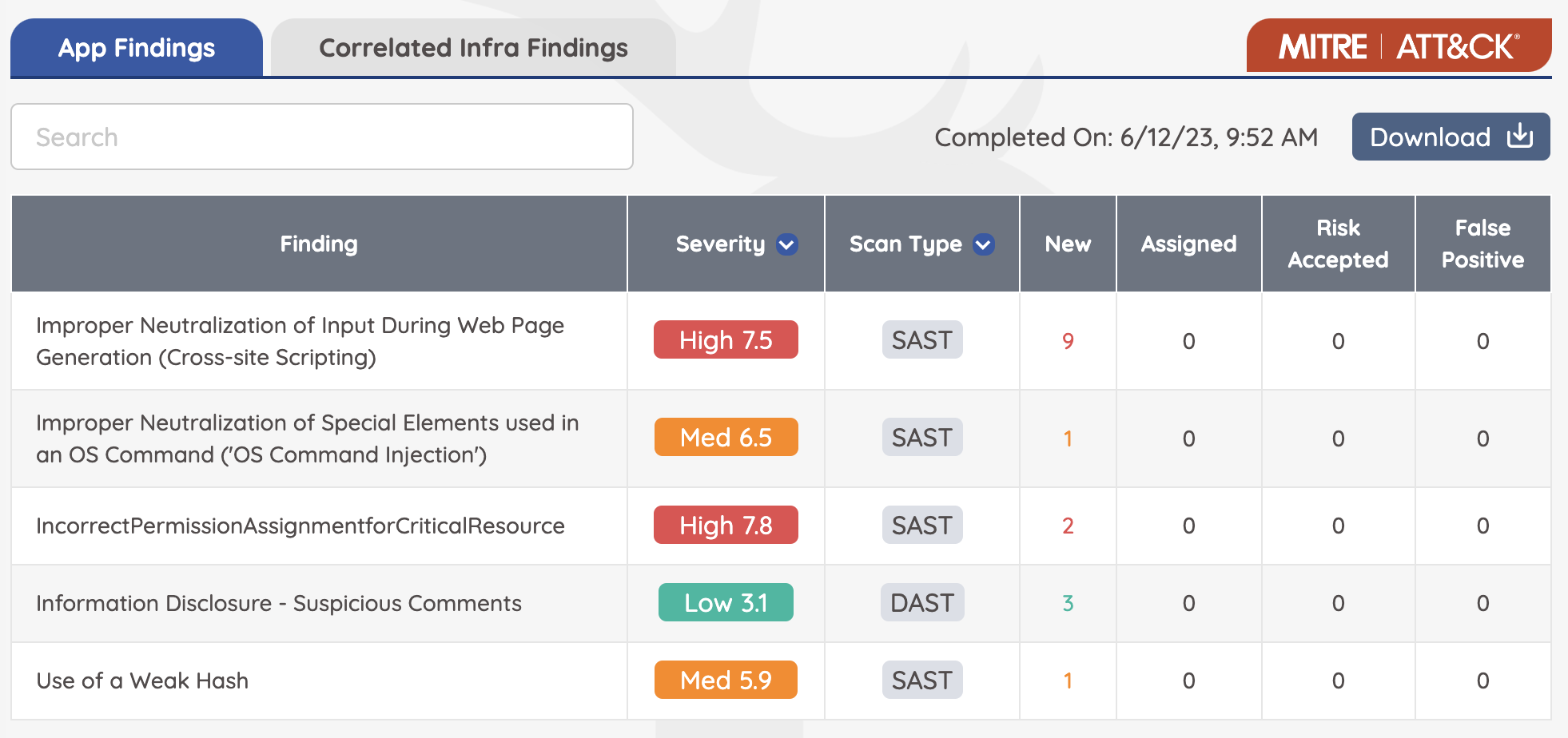
1. Open App Findings for the relevant pentest. 2. Click the red MITRE | ATT&CK button at the top of the results table. 3. Pick one or more techniques to narrow the result set.
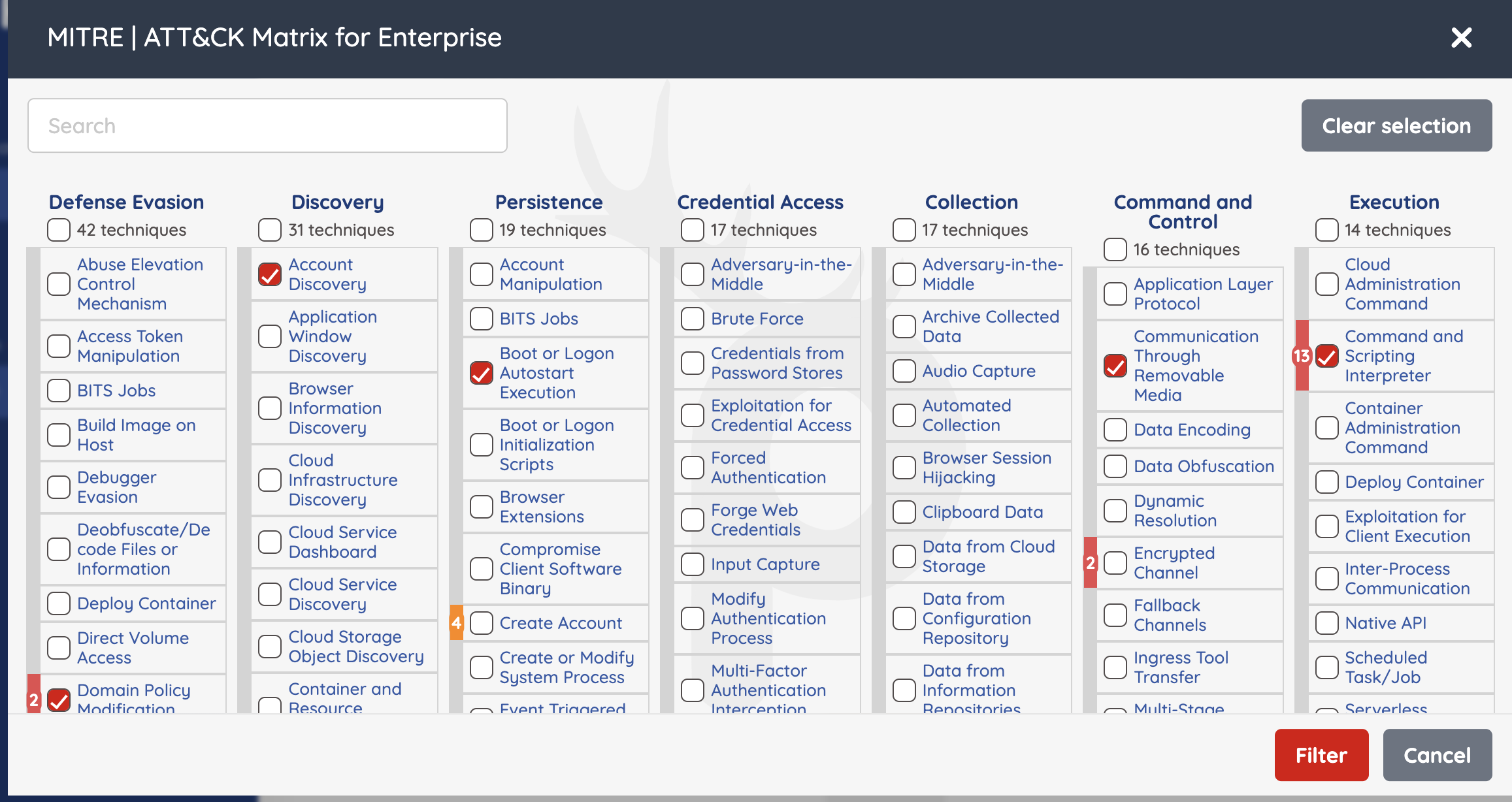
Tip: Use MITRE filtering to brief blue/red teams in their own language — “show me everything tagged T1190 (Exploit Public-Facing Application)”.
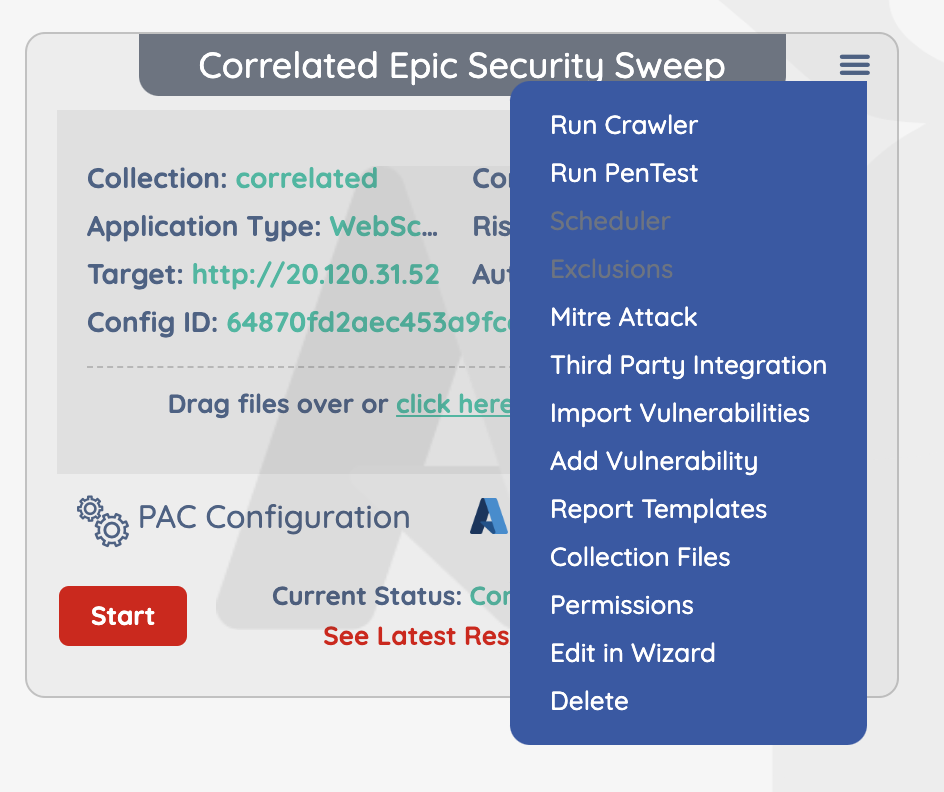
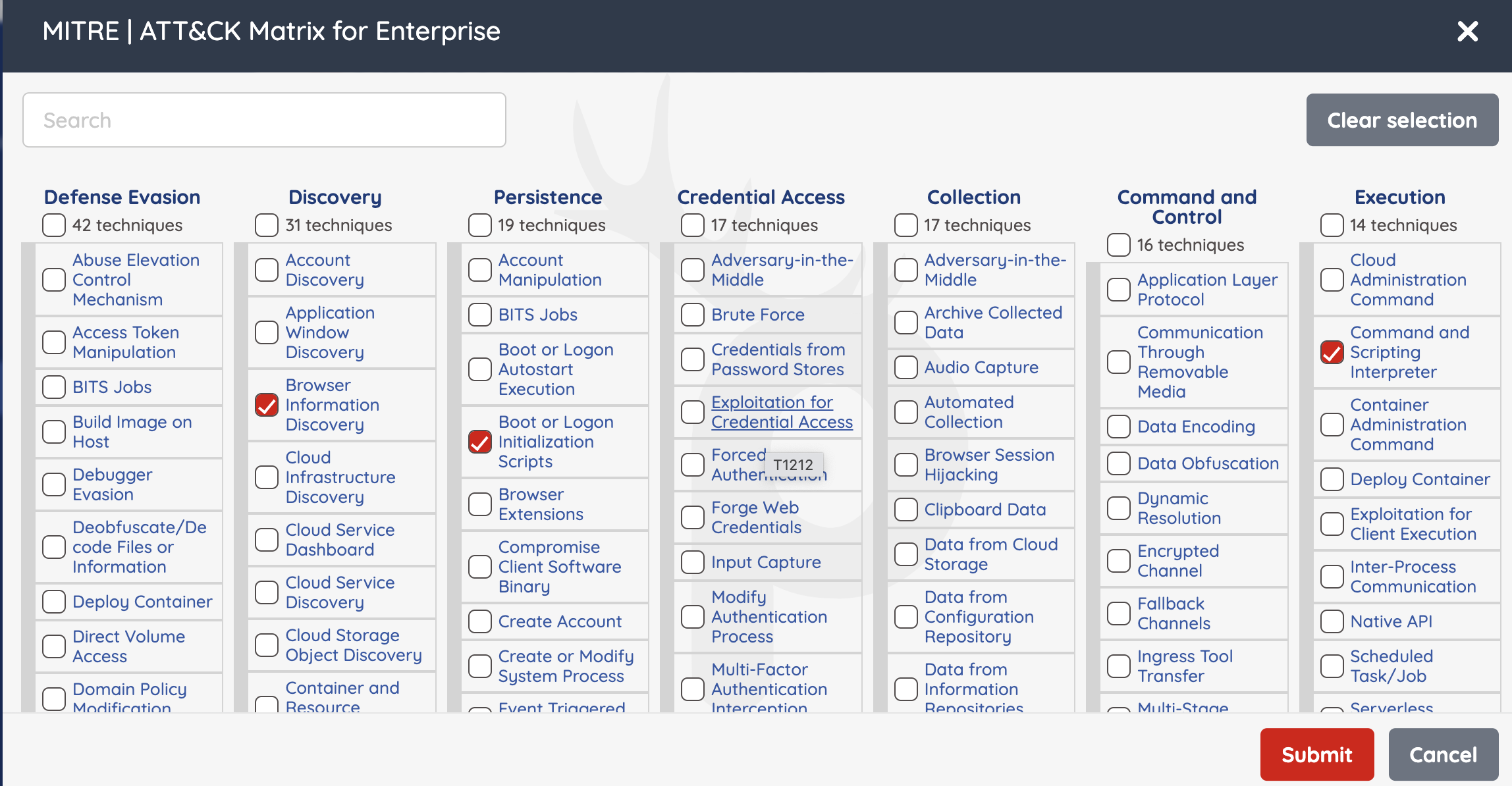
Browse the MITRE catalog
Why it matters
Mapping findings to MITRE turns a list of bugs into an attack story. Combined with CVSS scoring and your business risk profile, you can prioritise the techniques most likely to be used against your applications.