Documentation / Cloud Posture Setup (CSPM)
Wizard - Kubernetes Cluster
Wizard — Kubernetes Cluster
Connect a Kubernetes cluster (managed or self-hosted), select the namespaces you care about, and Prancer auto-generates the connector, master snapshot, and master compliance files — then runs the Crawler and a first Compliance Run.
Before you start
- Reachable kubeconfig / cluster credentials for the target cluster.
- A service account or kubeconfig user with at least
viewon the namespaces you want to scan. - For Monitor and Remediate: cluster-admin or RBAC scoped to the resources you intend to remediate.
- A unique collection name.
Note: If your cluster sits behind a private endpoint, run the Prancer scanner from inside the cluster network — see PAC CLI in CI/CD.
1. Pick the wizard type
In the Configuration Wizard, choose Kubernetes Cluster and click Next, then provide the cluster connection secrets.
2. Choose a security mode
| Mode | What it does |
| --- | --- |
| Monitor | Loads cluster resources, runs compliance, generates reports. |
| Monitor and Remediate | All of the above, plus auto-remediation. |
Warning: Remediate mode can patch live workloads. Use a non-prod namespace until you trust the policies.
3. Load namespaces
Click Load Namespaces to enumerate every namespace the credentials can reach.
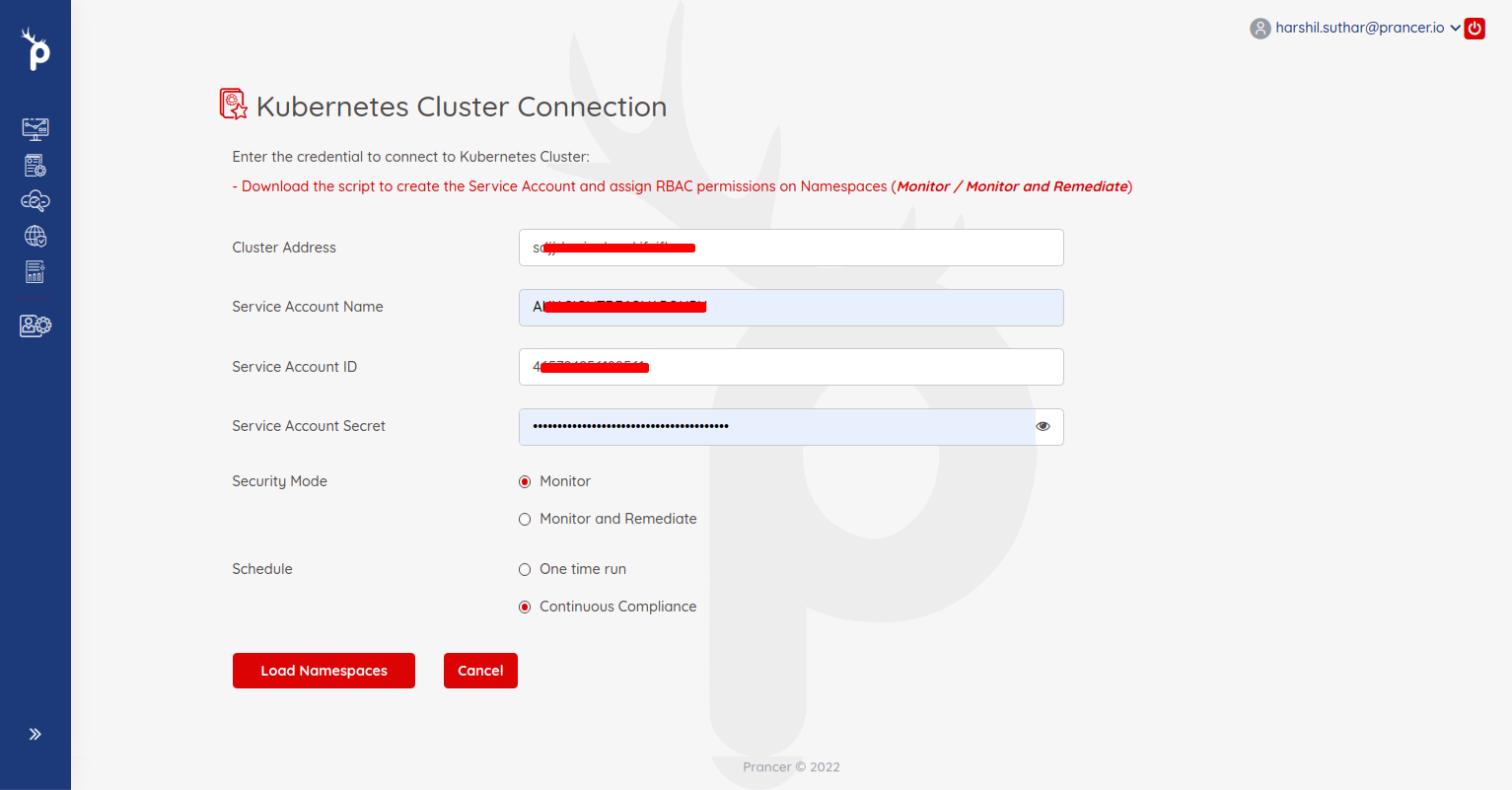
4. Select namespaces
Search and pick one or more namespaces.
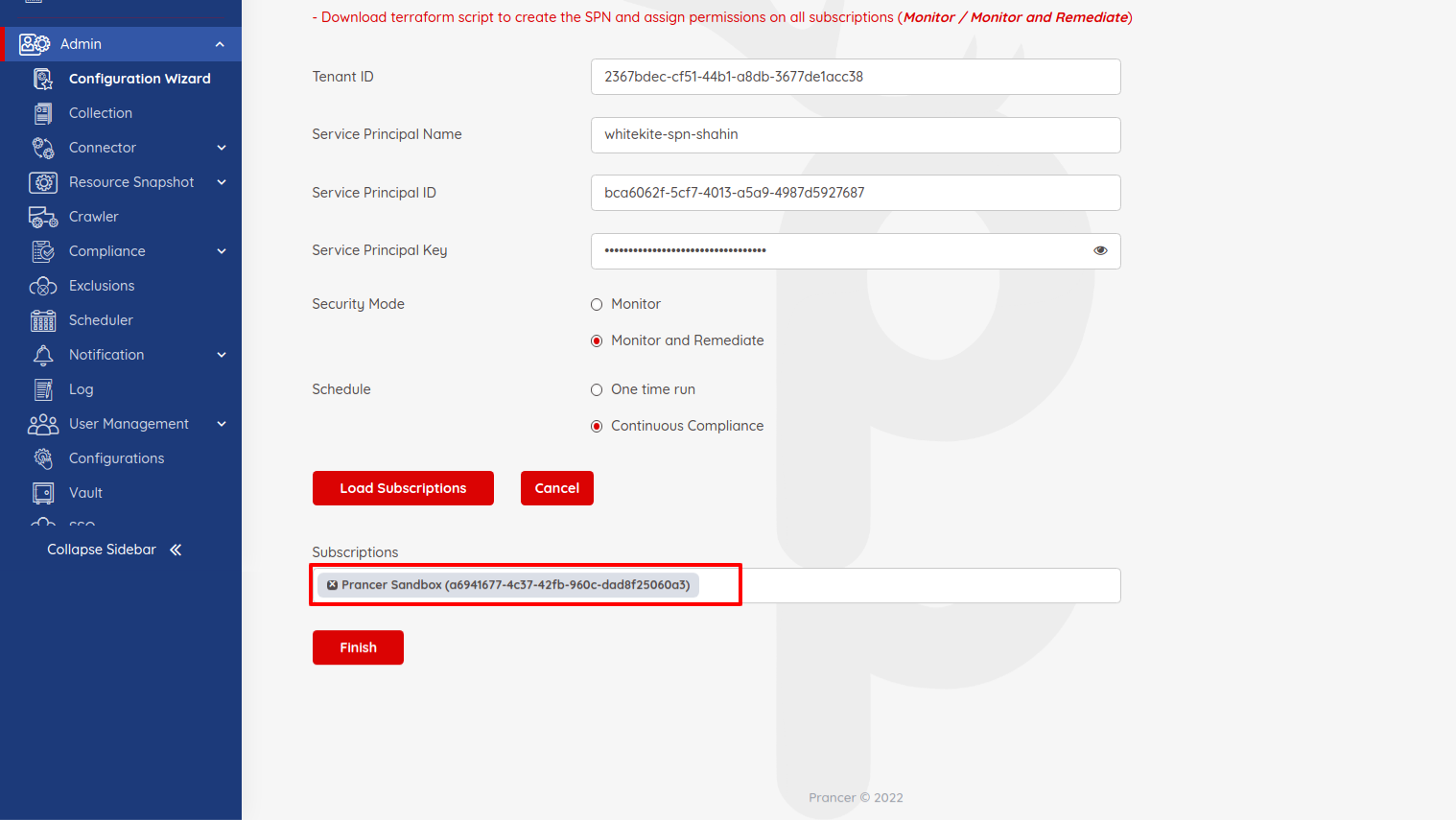
5. Finish
Click Finish. Prancer will:
1. Create the Connector configuration 2. Create the Master Snapshot configuration 3. Create the Master Compliance configuration 4. Run the Crawler to enumerate workloads 5. Run policy compliance
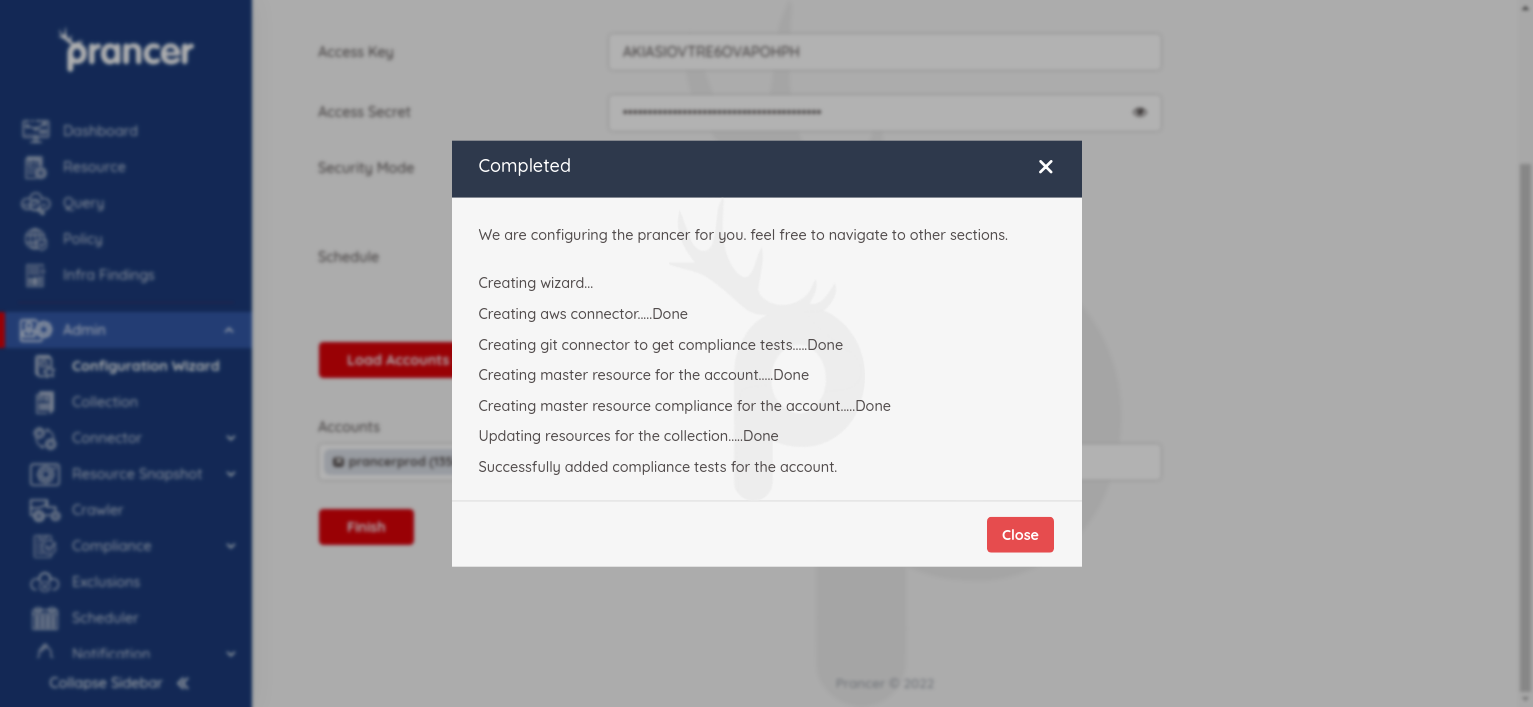
Results appear in Infra Findings and details in Logs.
Next steps
- Compliance Run — re-run compliance any time.
- Master Compliance — extend the rule set with custom policies.
- Remediation — auto-fix findings.