Documentation / Home
Vault
Vault
The Vault stores sensitive values — private keys, API tokens, OAuth client secrets — that your scans need but that should never live in a config file.
Warning: never paste a private key, password, or token directly into a connector or PAC file. Reference it from the Vault instead.
Before you start
- You're an admin in the tenant.
- You have the secret value ready (private key, token, etc.) and know which scan or connector will reference it.
When to use the Vault
Typical examples:
- GCP connector —
private_key_idlives in the connector file, but the actualprivate_keybelongs in the Vault. - Custom attacks — Git access tokens for private repos.
- OAuth auth — client secrets for API authentication.
Anything secret. If in doubt, put it in the Vault.
Add a key
1. Click Add Key. 2. Enter the key name (referenced from your config files) and the value. 3. Click Save.
The new key shows up in the Vault list.
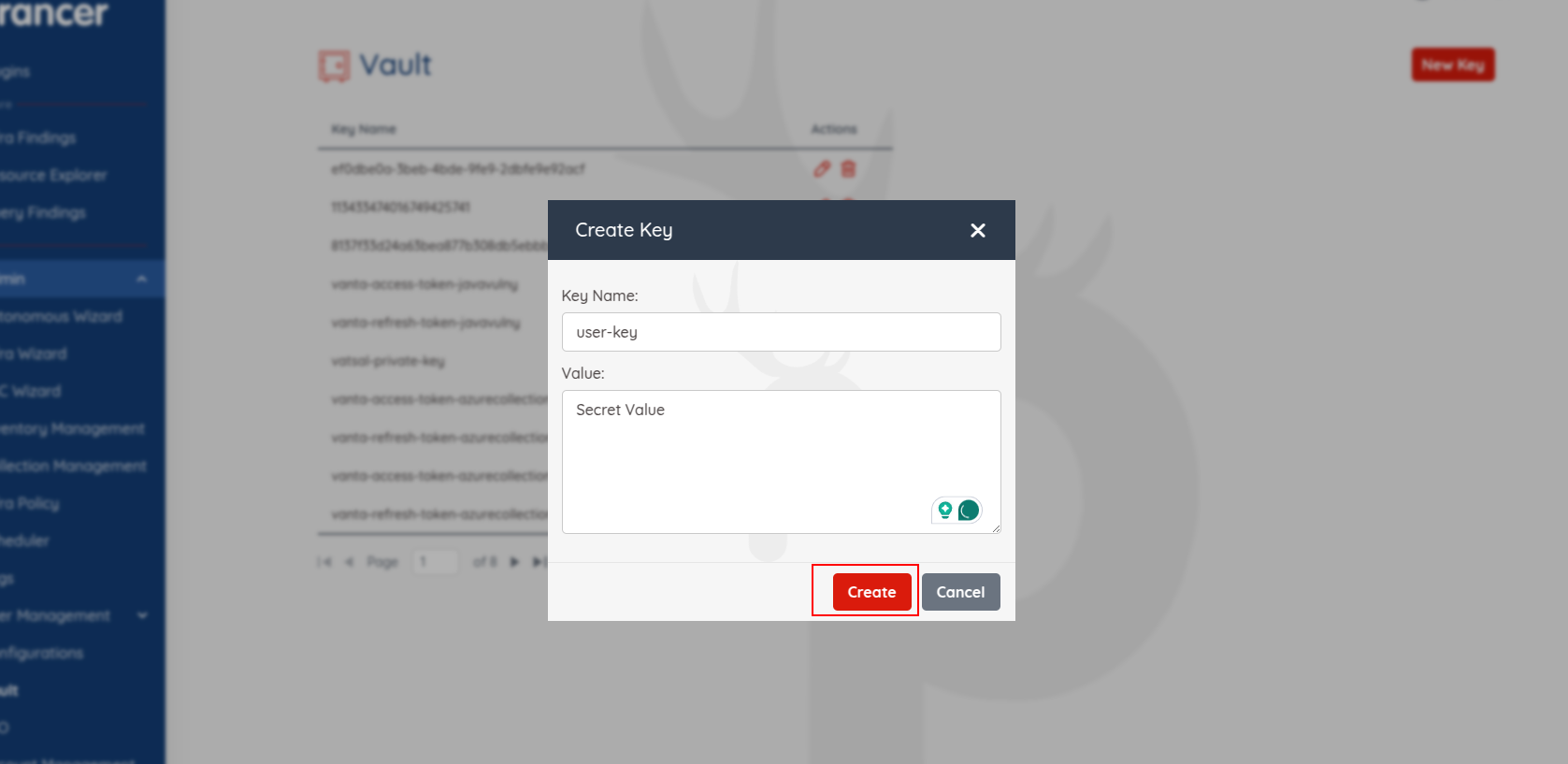
Tip: key names are case-sensitive. Use a clear convention like gcp_prod_private_key so your team can find them at a glance.
View or update a value
- Click Get Value next to a key to reveal it.
- To rotate a secret: change the value and click Update.
Delete a key
Click the trash icon and confirm in the dialog.
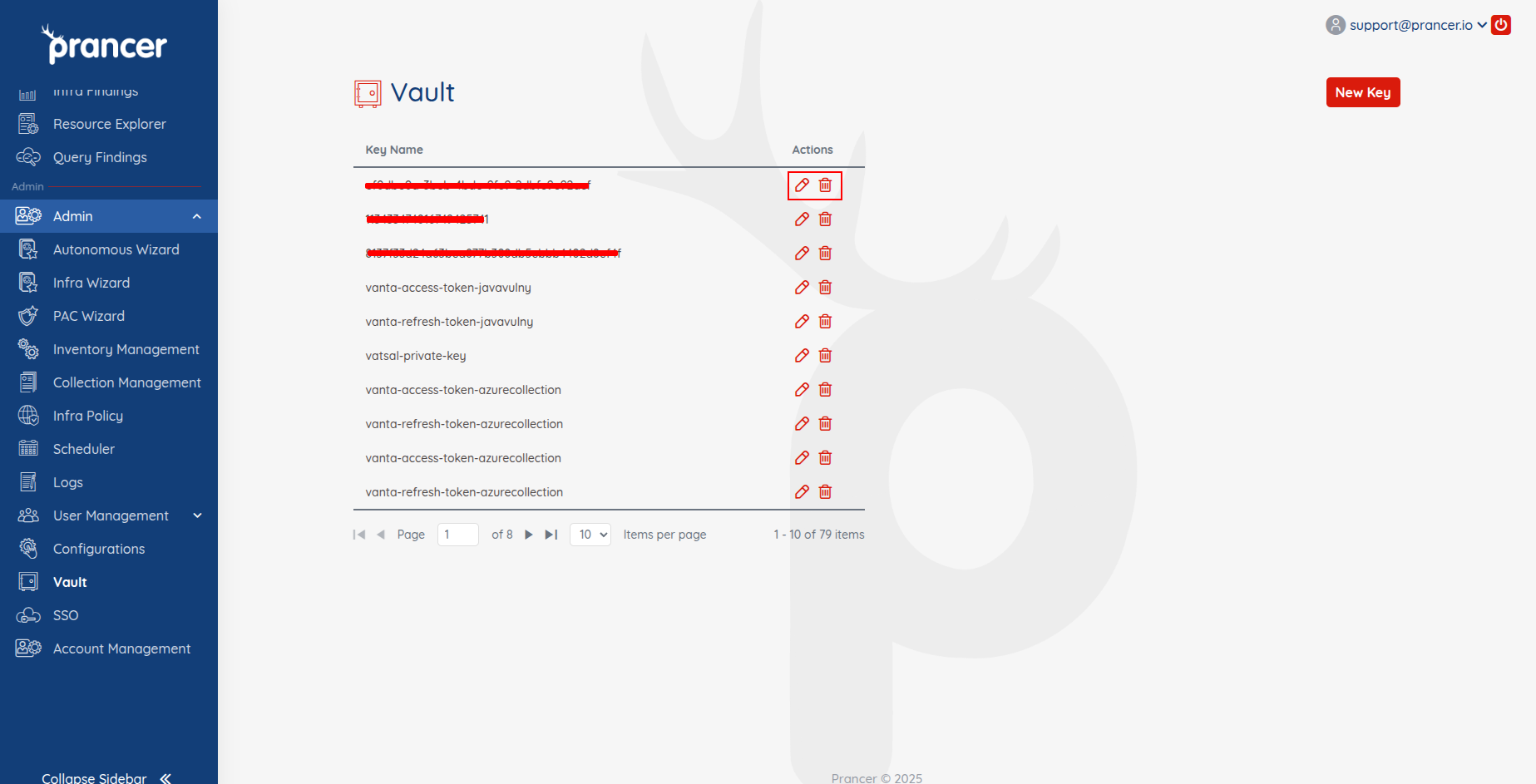
Warning: deleting a key breaks any scan or connector that references it. Confirm nothing depends on it first.
Next steps
- Reference Vault keys from a Connector or PAC file.
- See an end-to-end example in Custom Attacks.