Documentation / Tools and Integrations
Github App
Prancer GitHub App
The Prancer GitHub App scans IaC templates on every pull request and (optionally) opens an autofix PR with the corrected code. It is the easiest way to shift IaC compliance left without wiring up a CI pipeline.
Before you start
- Admin rights on the GitHub organisation or repository where the app will be installed.
- A Prancer collection ready to receive the IaC connector — see Configuration Wizard.
- Familiarity with IaC compliance.
Step 1 — Install the GitHub App
1. Open the Prancer IaC-SCA app on GitHub. 2. Click Install. !GitHub App listing 3. Choose to install in a single repository or your entire organisation. !Installing app
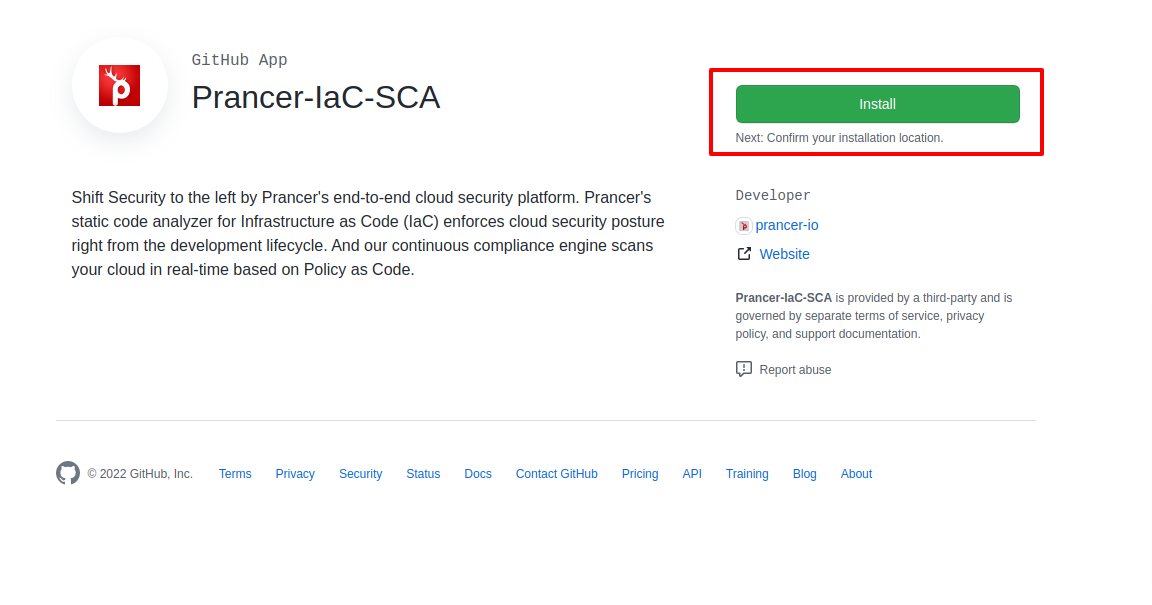
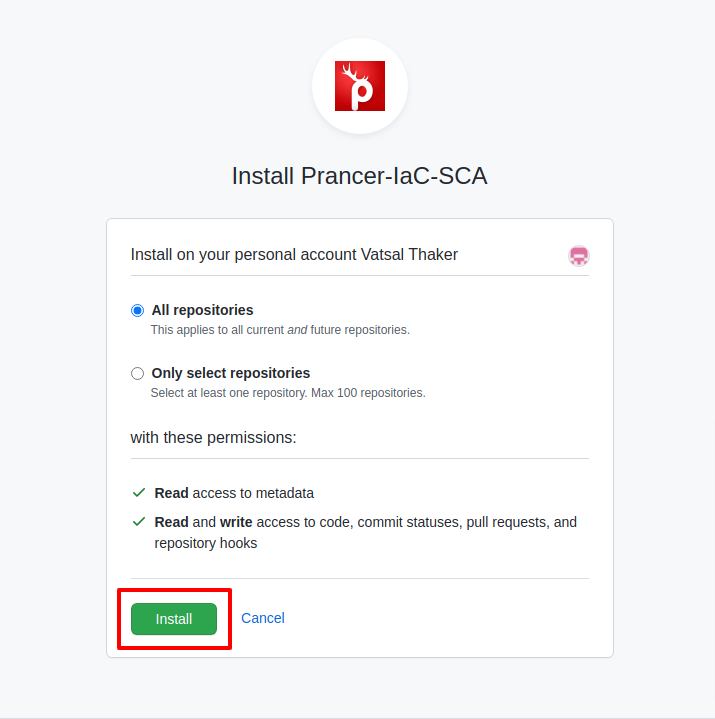
Tip: Start with a single repository to validate behaviour before rolling out org-wide.
Step 2 — Create an IaC collection
1. In the Prancer portal, open Admin → Configuration Wizard. 2. Enter a collection name, pick IaC, then click Next. 3. Authenticate to GitHub, pick the repository and branch, then click Finish.
The wizard generates the master snapshot, master compliance and connector files for you. See Configuration Wizard for full details.
Step 3 — Enable autofix
1. Open Admin → Collection and find the collection you just created. 2. Click Collection Configuration. !Collection search 3. Add the configuration entry autofix_pr with value true and save. !Autofix PR config
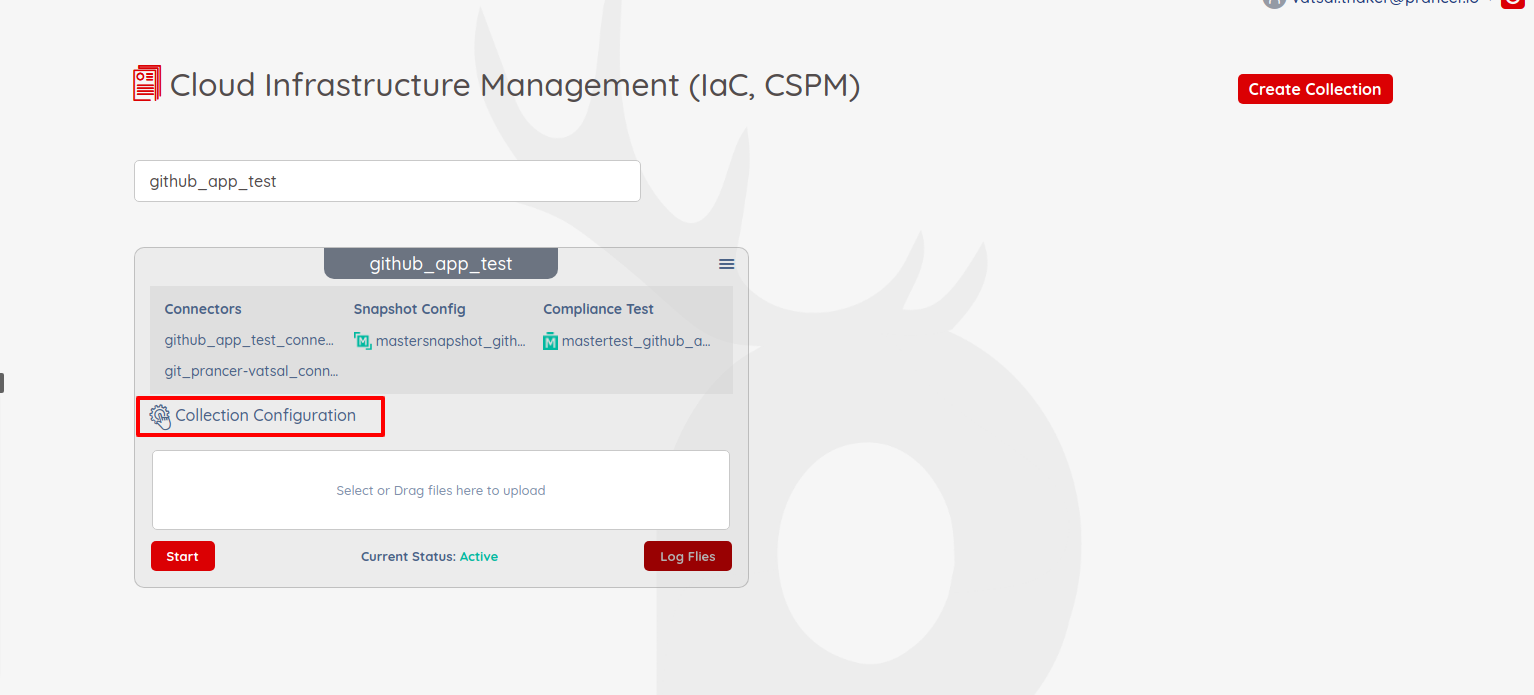
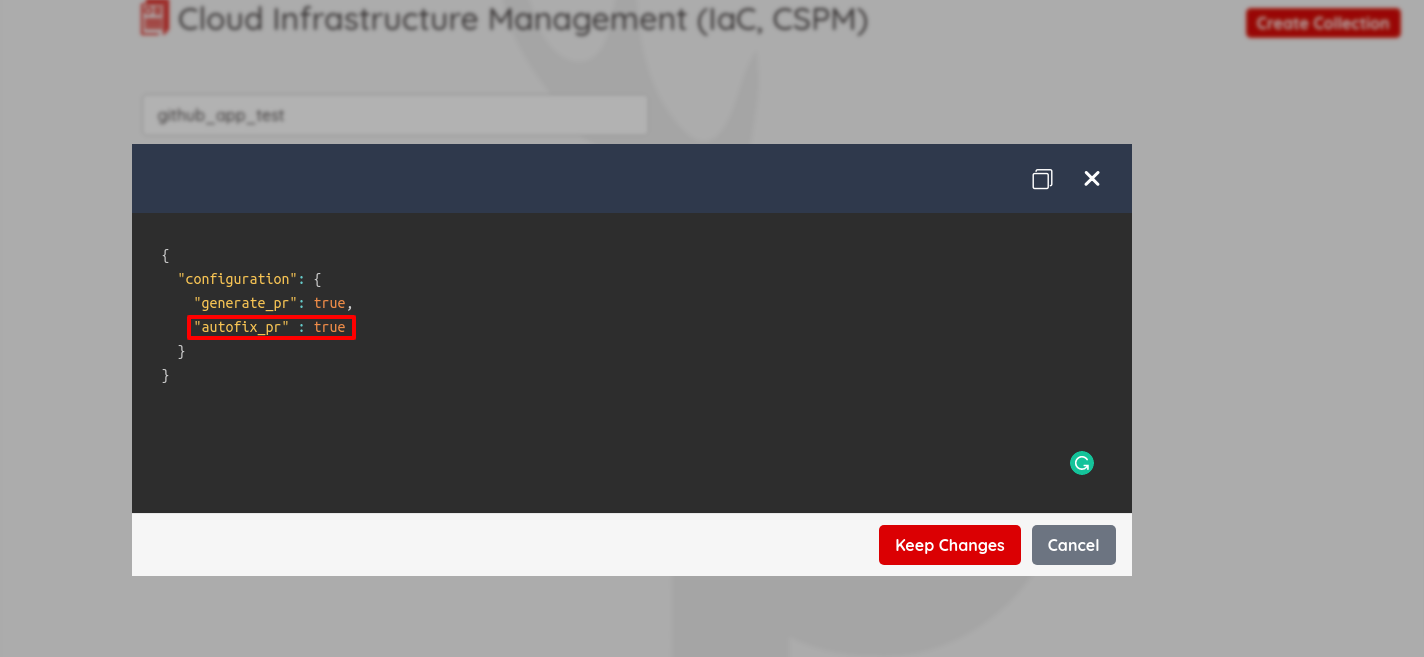
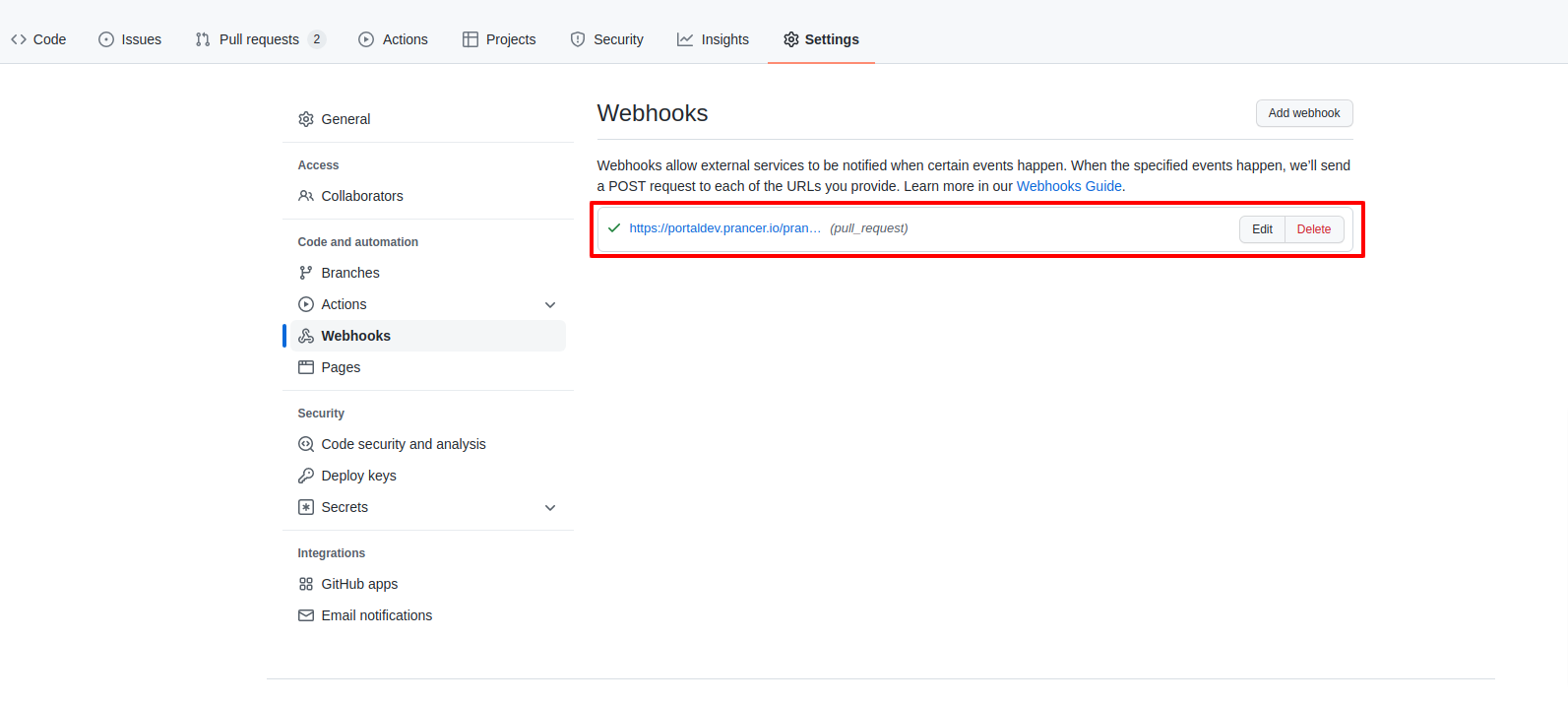
A webhook is automatically registered on your repository:
Note: Autofix only acts on pull requests targeting the branch you selected during the wizard. Other branches will still be scanned but no fix PR is raised.
Step 4 — Verify the integration
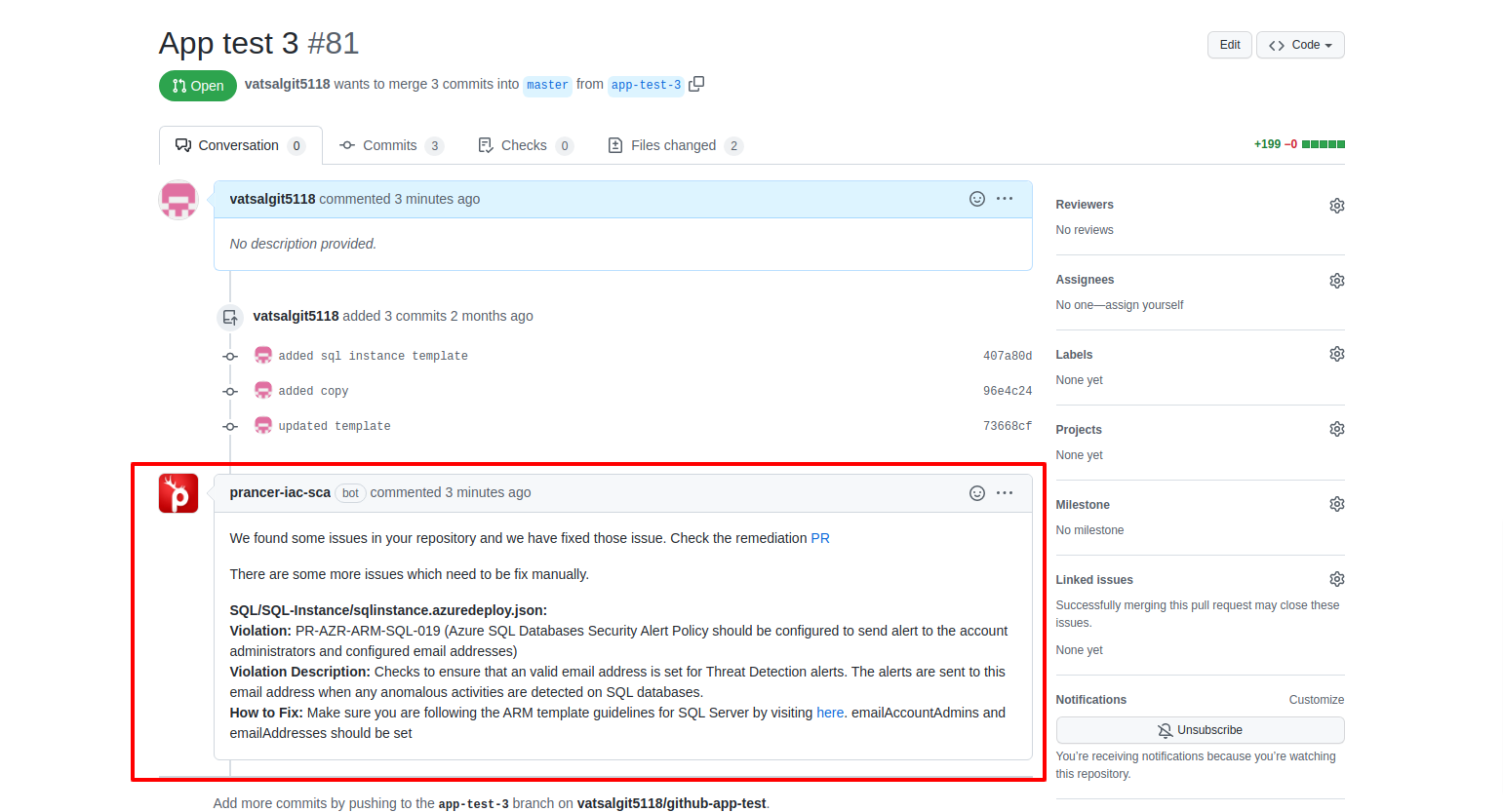
1. Open a pull request that introduces or modifies an IaC file in the configured branch. 2. Within a minute, the Prancer App posts a comment on the PR summarising the issues and any autofixes applied. !Autofix comment 3. If autofix is enabled, a follow-up PR is opened with the corrected files.
Troubleshooting
- No webhook fires — check the App is installed on the right repo and that the configured branch matches the PR's base branch.
- Webhook fires but no comment — confirm the master compliance and connector files exist; re-run the Configuration Wizard if missing.
- Autofix PR not raised — ensure
autofix_pr: trueis set and that the App has write access (auto-fix needs thepull_requests: writescope).