Documentation / Home
Azure Marketplace
Azure Marketplace
Subscribe to Prancer through the Azure Marketplace so the bill rolls into your existing Microsoft invoice — no separate payment method required.
Before you start
- An Azure account with permission to subscribe to Marketplace offers (typically Owner or Contributor on the target subscription).
- A corporate email address for the Prancer account profile.
- A few minutes — provisioning happens automatically once you subscribe.
1. Find Prancer in the Marketplace
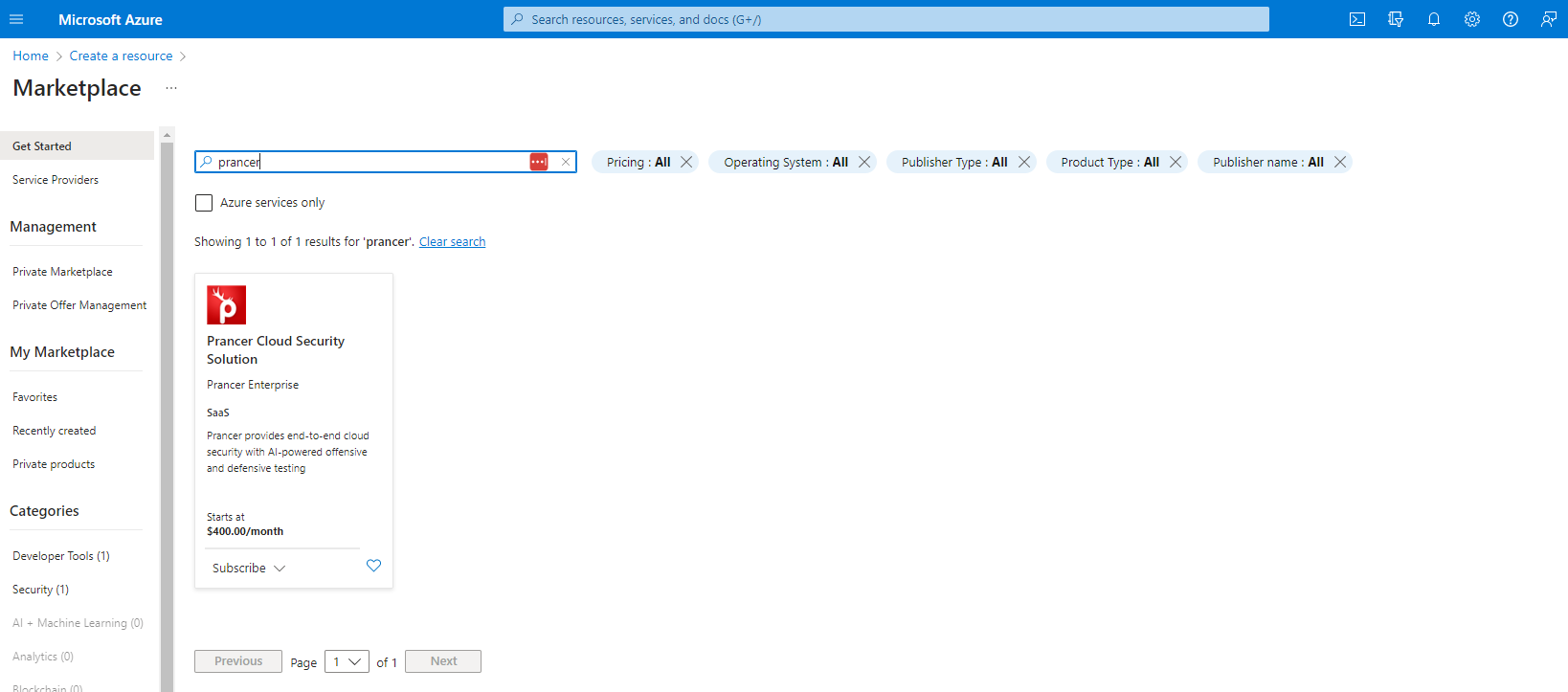
Search for "Prancer" in the Azure Marketplace and select Prancer Cloud Security Solution.
!Prancer listing in Azure Marketplace
2. Subscribe to a plan
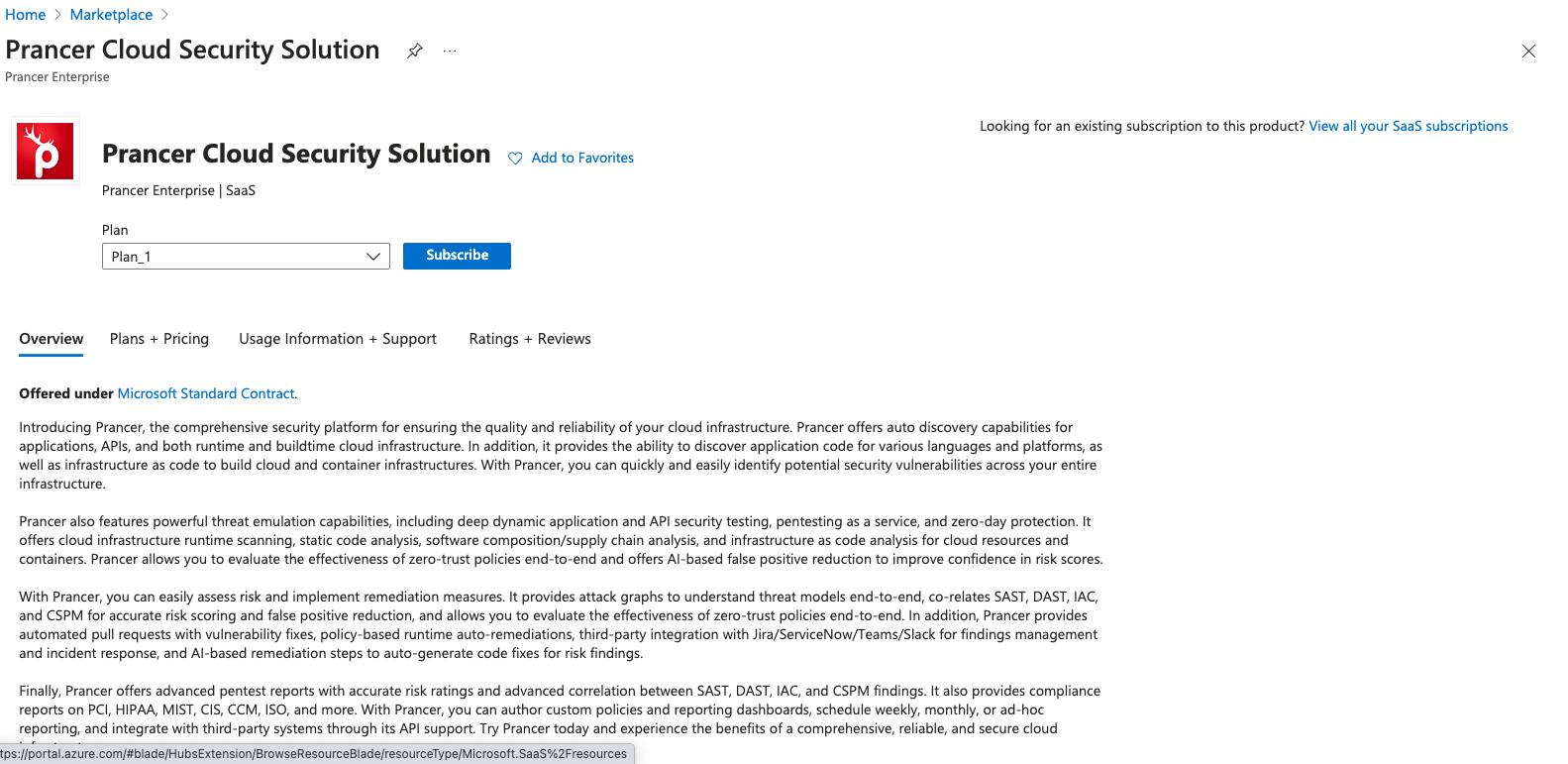
Choose the plan that fits your team and click Subscribe.
3. Fill in subscription details
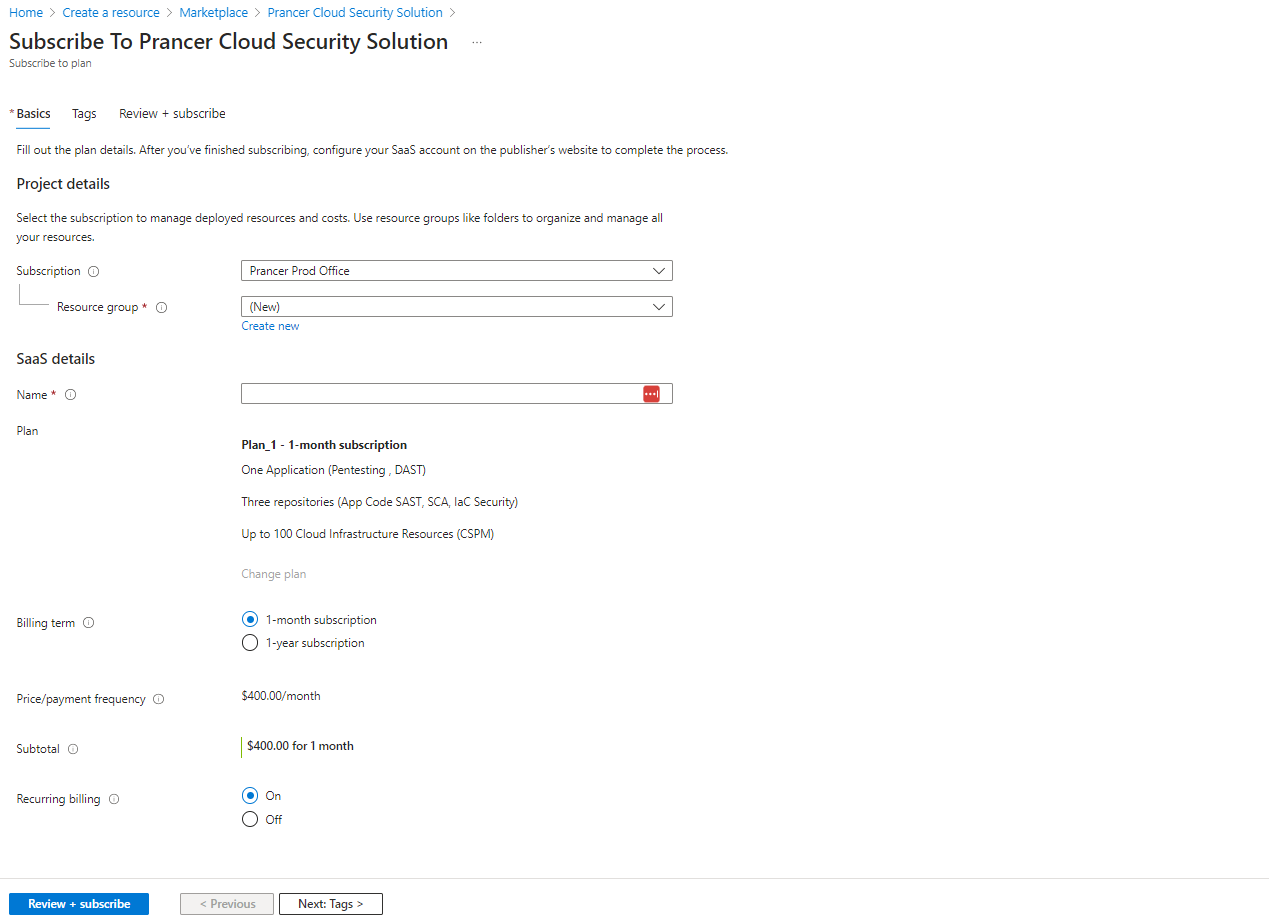
Enter the required Azure details (subscription, resource group, name) and click Subscribe.
4. Complete your Prancer profile
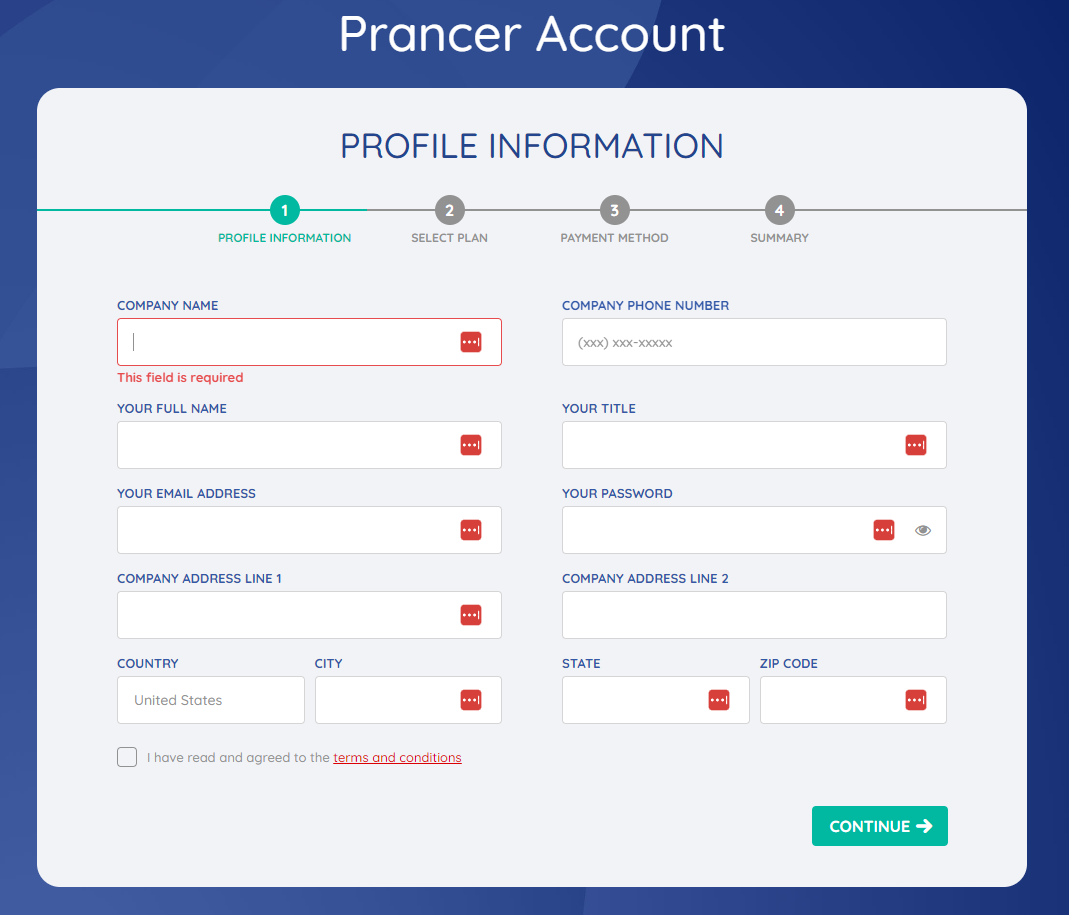
You'll be redirected to the Prancer Account Profile page. Fill it in and click Continue.
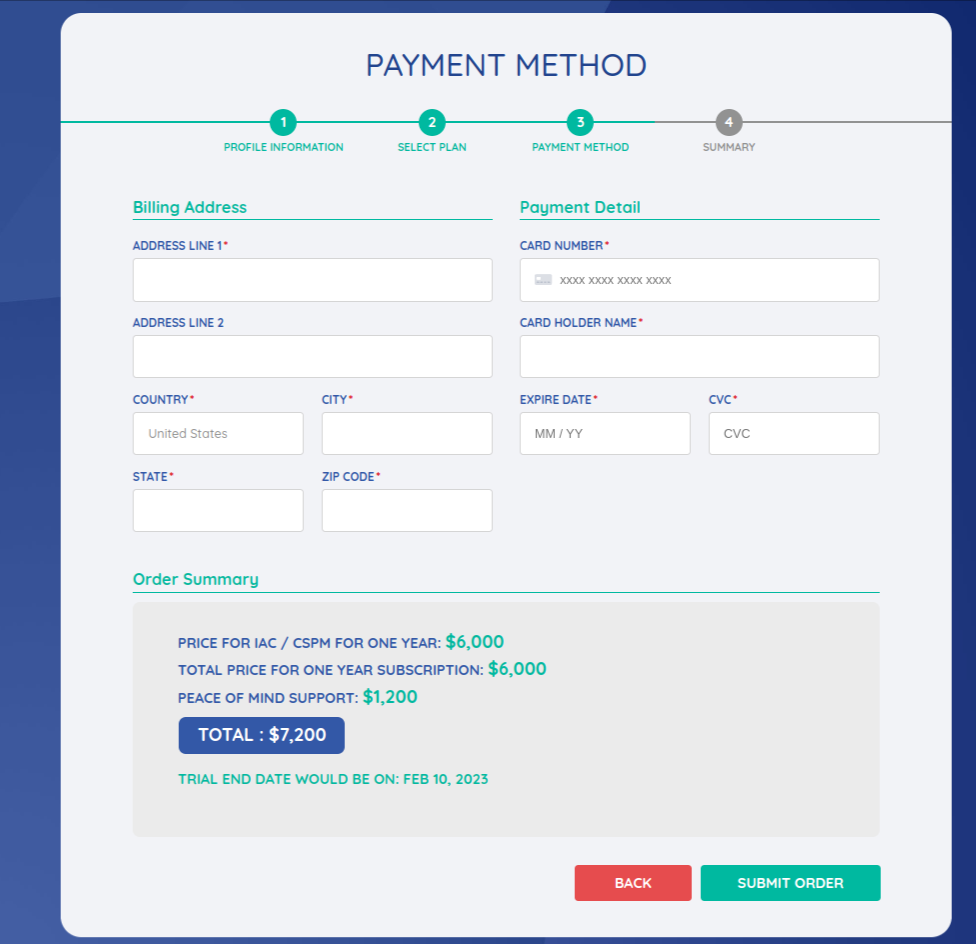
5. Review and submit
Double-check everything, then click Submit.
6. Wait for tenant provisioning
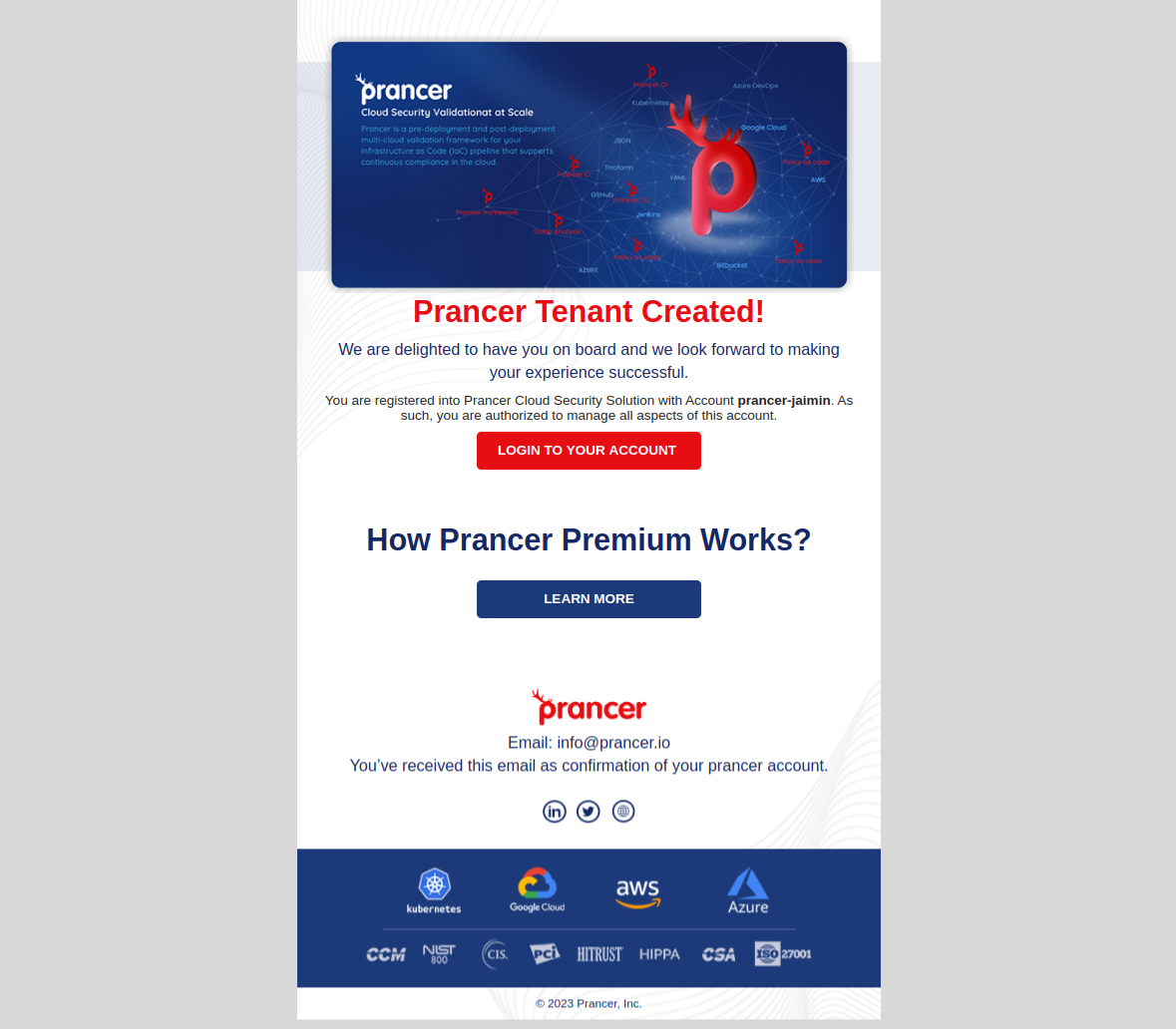
Within a few minutes you'll receive an email with your tenant URL and login details.
Tip: if the email doesn't arrive within 15 minutes, check your spam folder, then contact [email protected].