Documentation / Home
Login
Login
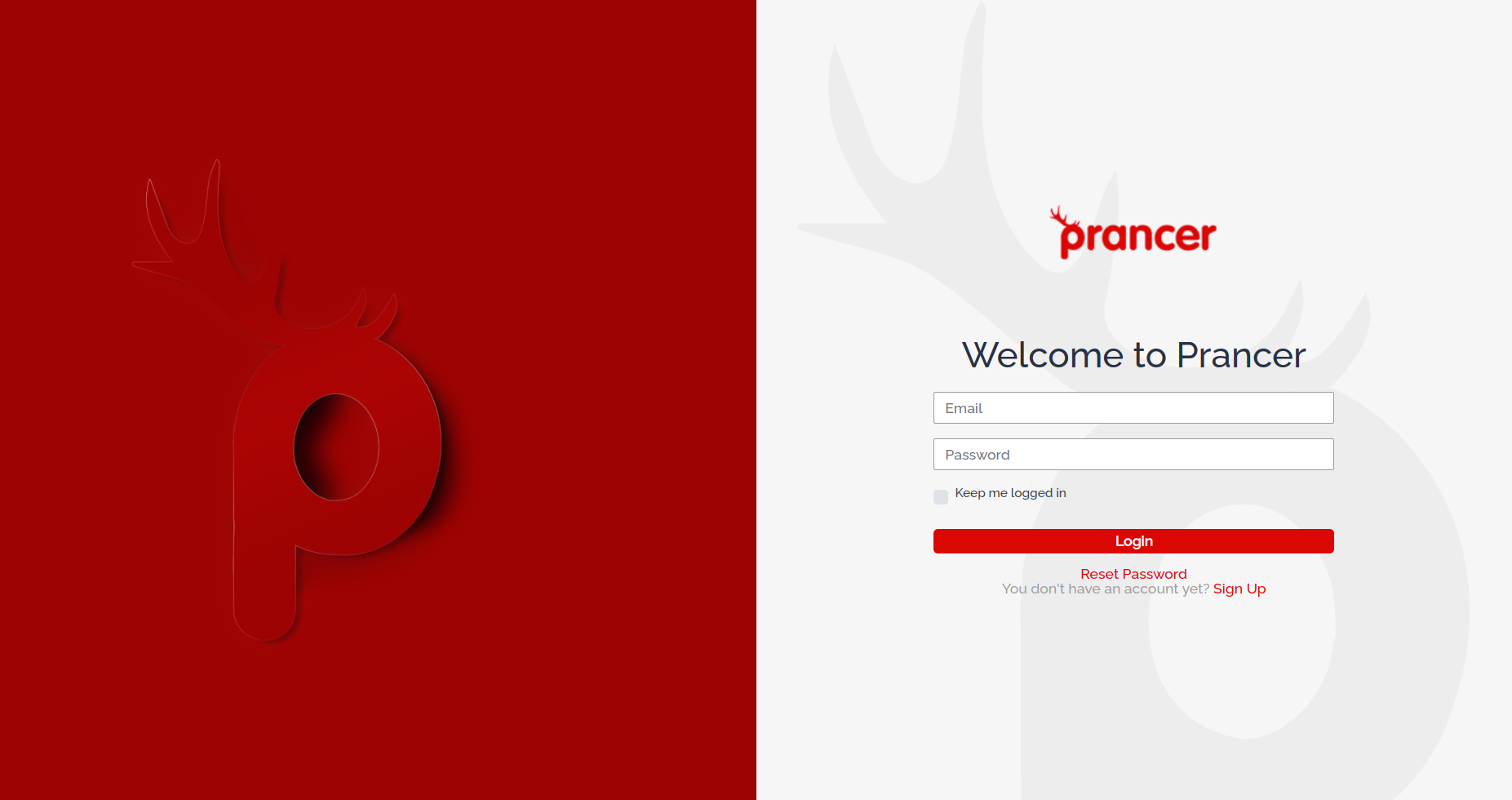
Sign in to the Prancer Portal with your email and password — or use Corporate Login if your team has SSO enabled.
Before you start
https://portal.prancer.io/<company_id>/user/login/ where <company_id> is prancer-<your-company-name>.
- Your tenant URL — Prancer URLs include your company ID:
- Your registered email and password (or SSO access through your Azure tenant).
Sign in
1. Open your tenant login page. 2. Enter your email and password. 3. Click Sign In.
Tip: bookmark your tenant URL — it's unique to your company and isn't discoverable from prancer.io.
Trouble signing in?
- Forgot your password? → Reset it.
- Corporate login not appearing? Your admin must first enable SSO and provision your account.
- Unsure of your tenant URL? Check your welcome email or ask your Prancer admin.