Documentation / Home
Reset Password
Reset Password
Forgot your password? Reset it from the login page in four steps.
Before you start
- The email address you used when registering.
- Access to that mailbox.
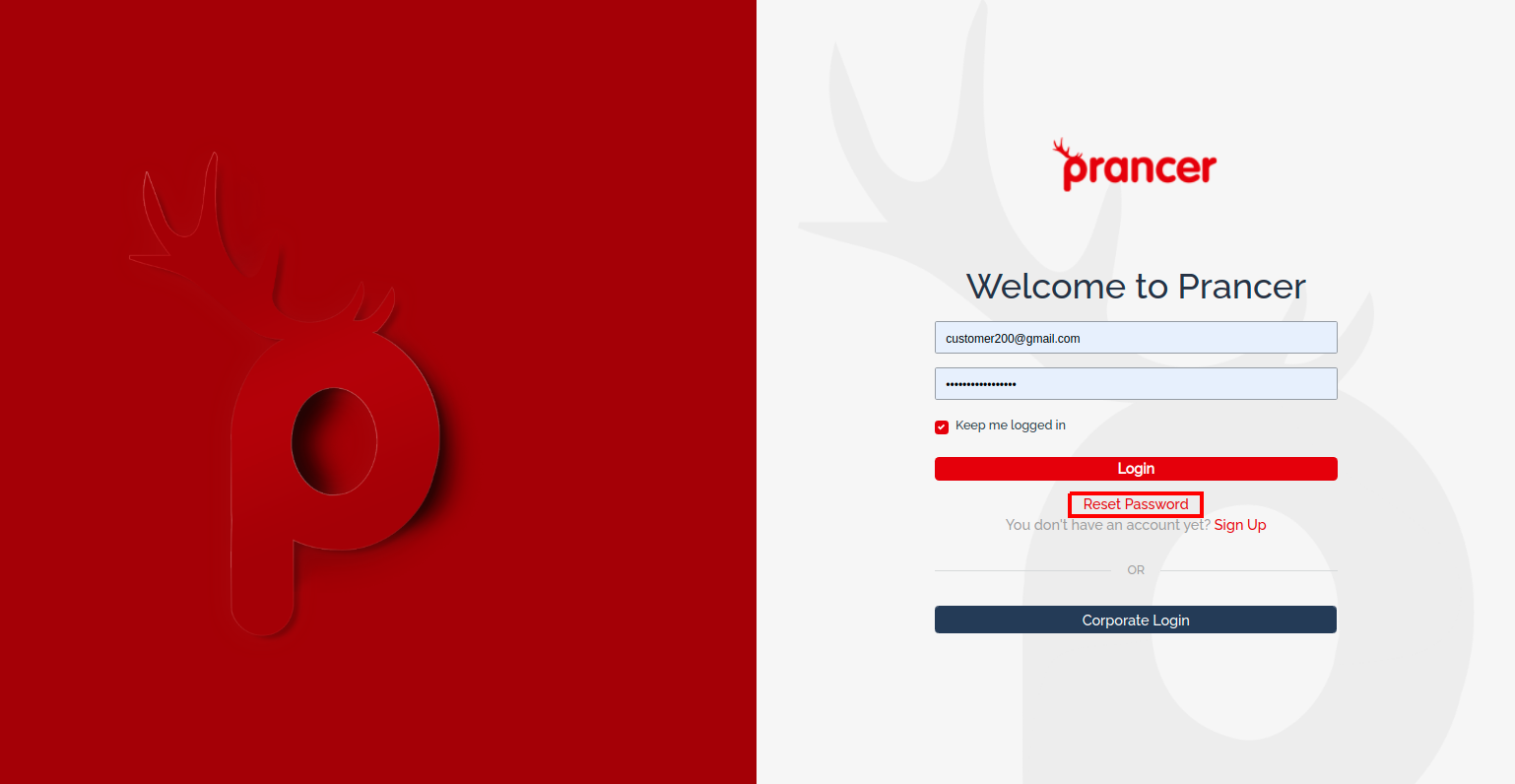
1. Click "Forgot password" on the login screen
!Forgot password link on the login screen
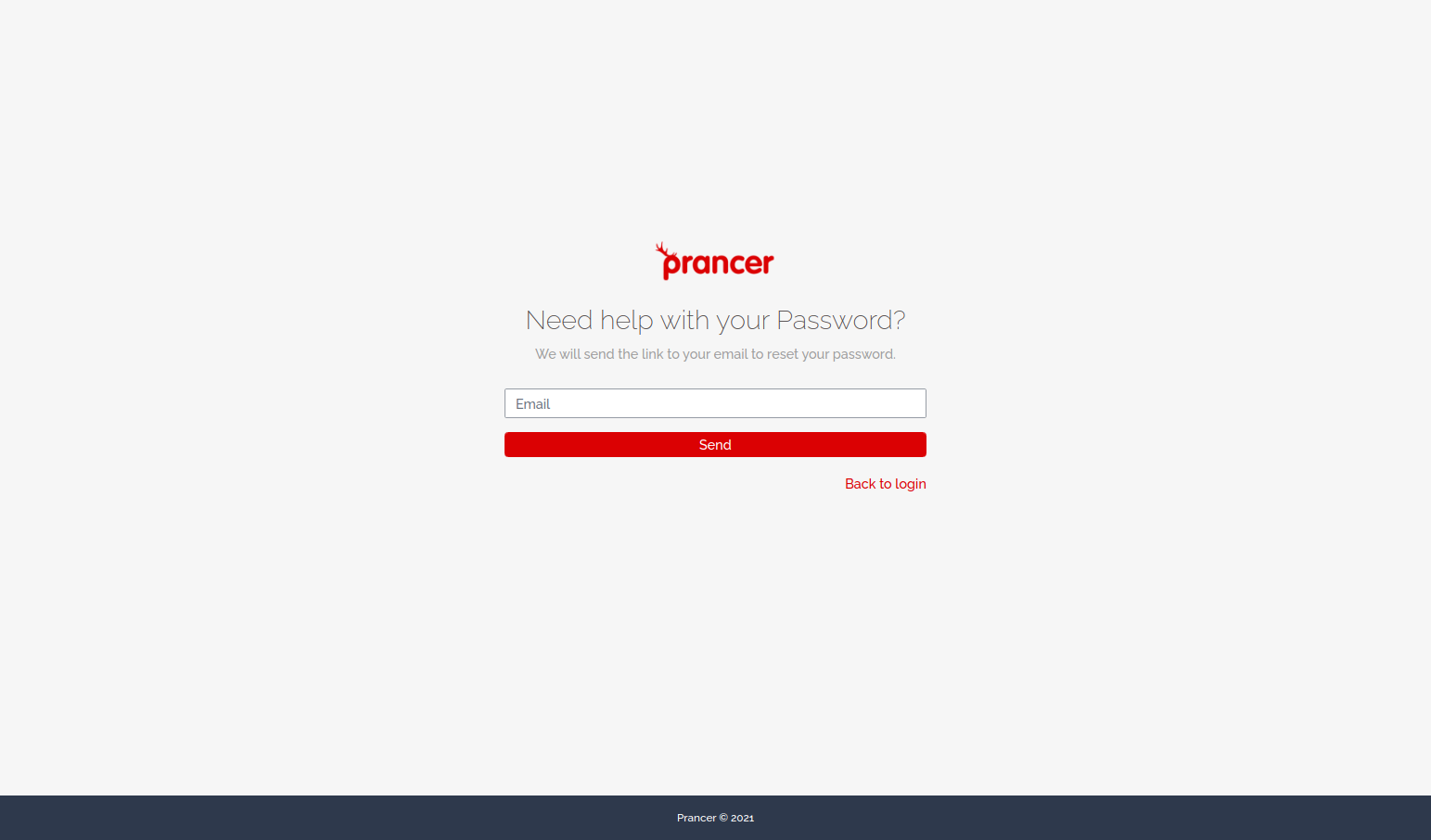
2. Enter your registered email
3. Open the reset email
You'll receive an email with a one-time reset link.
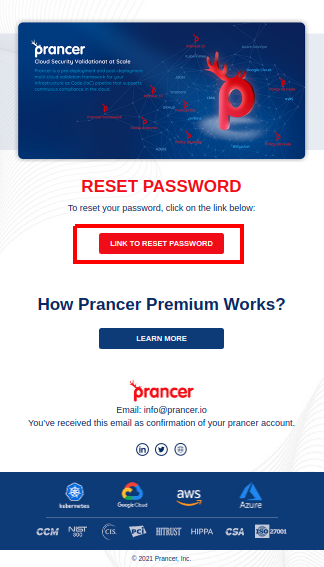
Note: the link expires after a short period. If it's no longer valid, just request another reset.
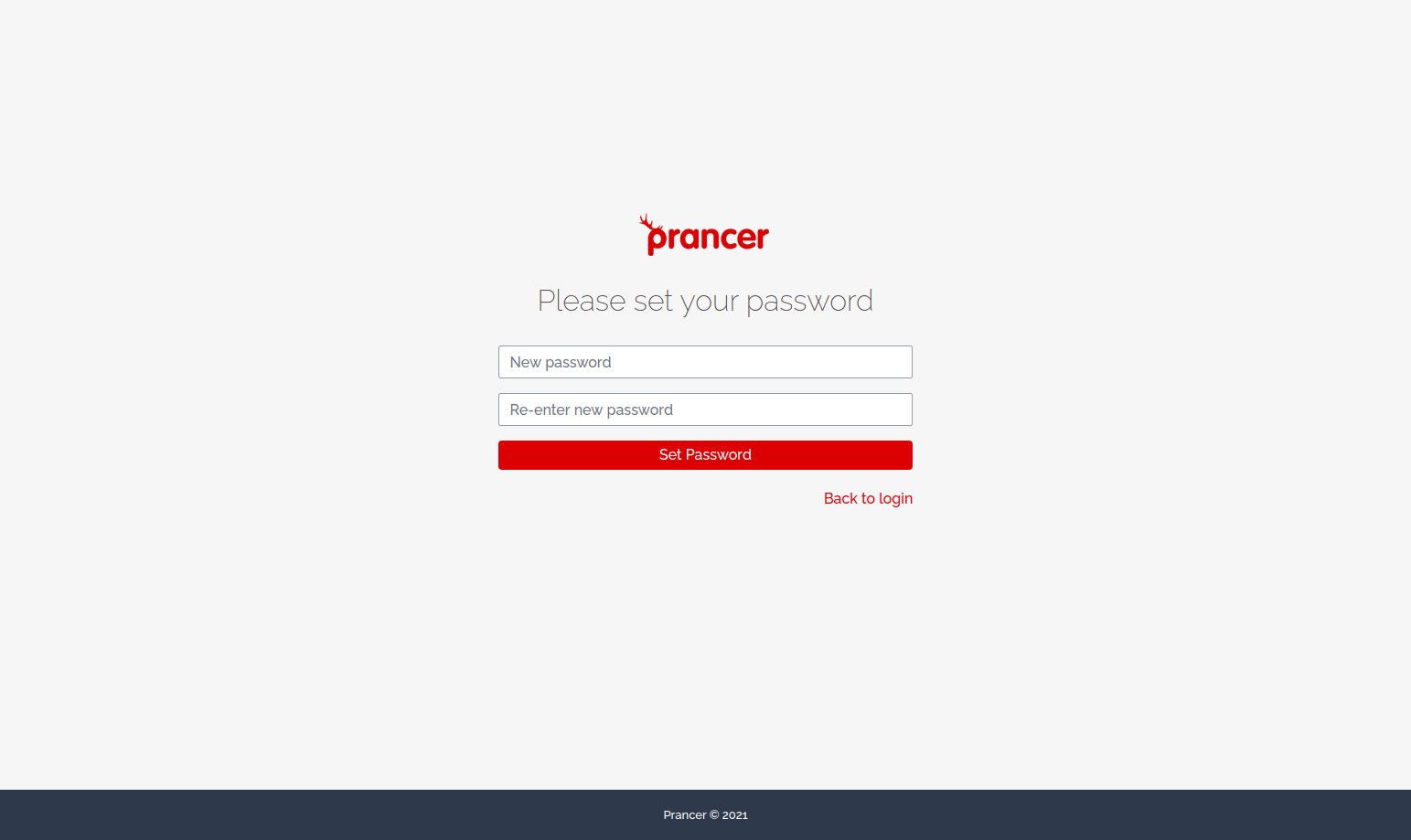
4. Set your new password
The link opens the Set Password screen. Enter your new password and confirm.
Troubleshooting
- No email arrived. Check spam, and confirm the address you used at signup.
- Link expired. Repeat the flow — links are single-use and time-limited.
- Still locked out? Contact your tenant admin or [email protected].