Documentation / Tools and Integrations
Notification
Notification
Notification configuration files tell Prancer where to email compliance results. Each file declares one or more sender / receiver pairs and a level filter; you then reference the notification by ID from any master-test file.
Before you start
- A collection that owns at least one master-test (compliance) file — see Compliance.
- The sender email address has been validated for outbound mail in your tenant.
Notification file format
{
  "fileType": "notifications",
  "type": "notifications",
  "notifications": [
    {
      "notificationId": "<notification-id>",
      "type": "email",
      "level": "all",
      "user": "<sender-email>",
      "to": [
        "<receiver1-email>",
        "<receiver2-email>"
      ]
    }
  ]
}
| Field | Description |
| --- | --- |
| notificationId | Unique ID used to reference this notification from a master-test file. |
| type | Channel — currently email. |
| level | Which results to include: passed, failed, or all. |
| user | Sender address. |
| to | List of recipient addresses. |
Tip: Create one notification per audience (e.g.secops-failed-only,auditors-monthly) and reference whichever you need from each compliance file.
Step 1 — Upload the notification file
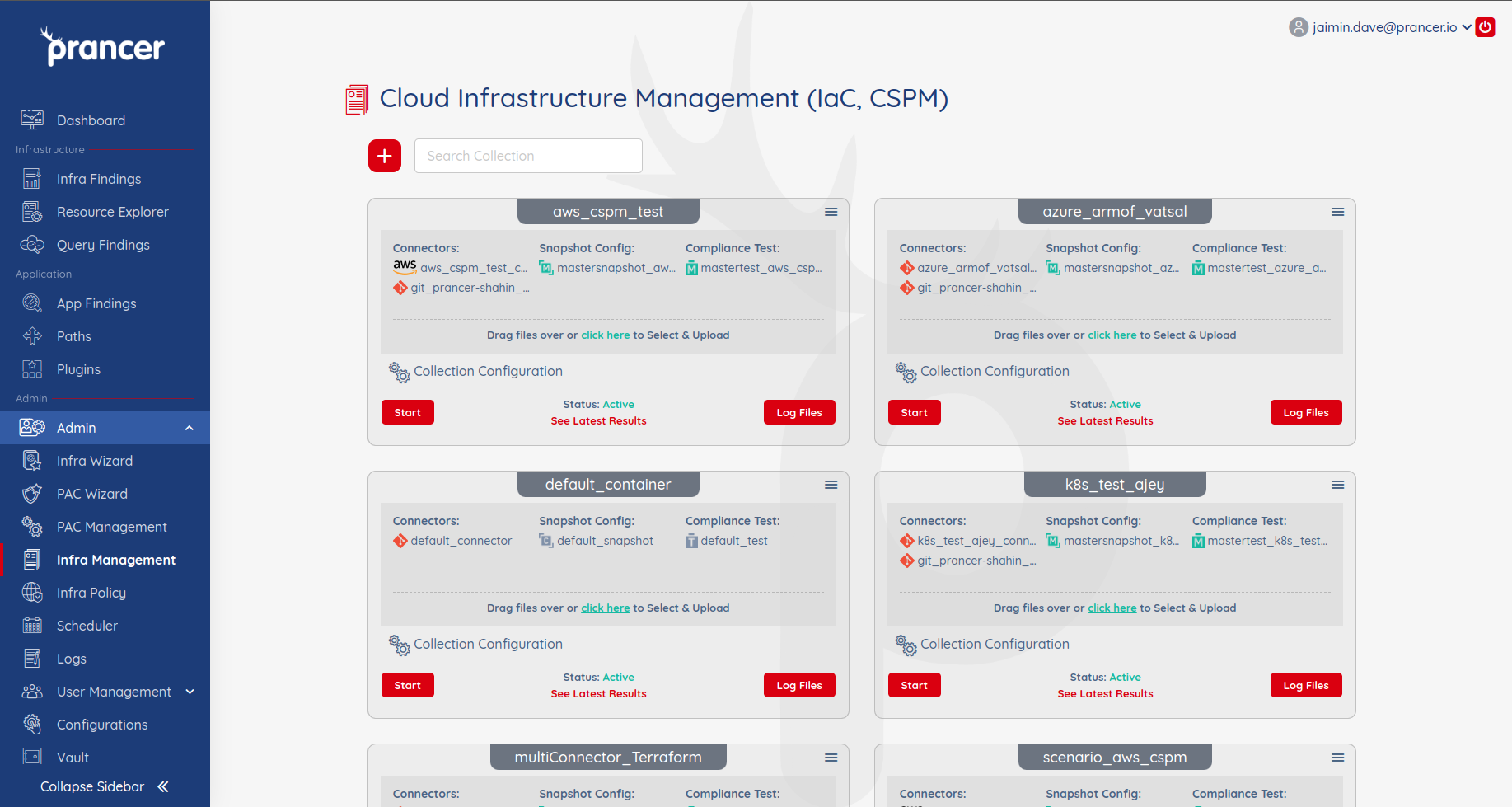
1. Open Infra Management for the collection. 2. Drag the JSON file onto the collection or click Click here to upload. 3. If a file with the same name already exists, confirm Overwrite to update it.
Step 2 — Manage notification files
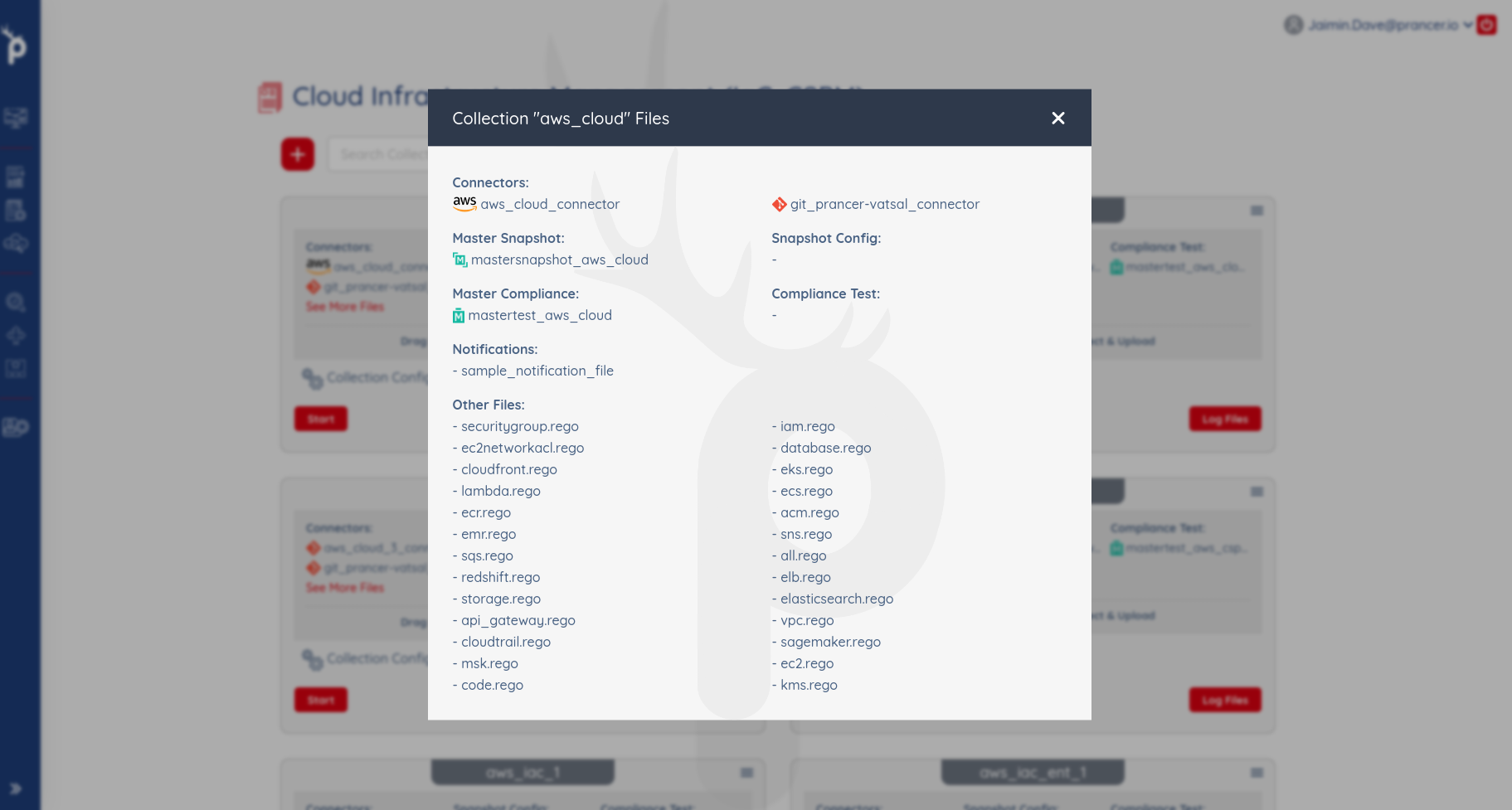
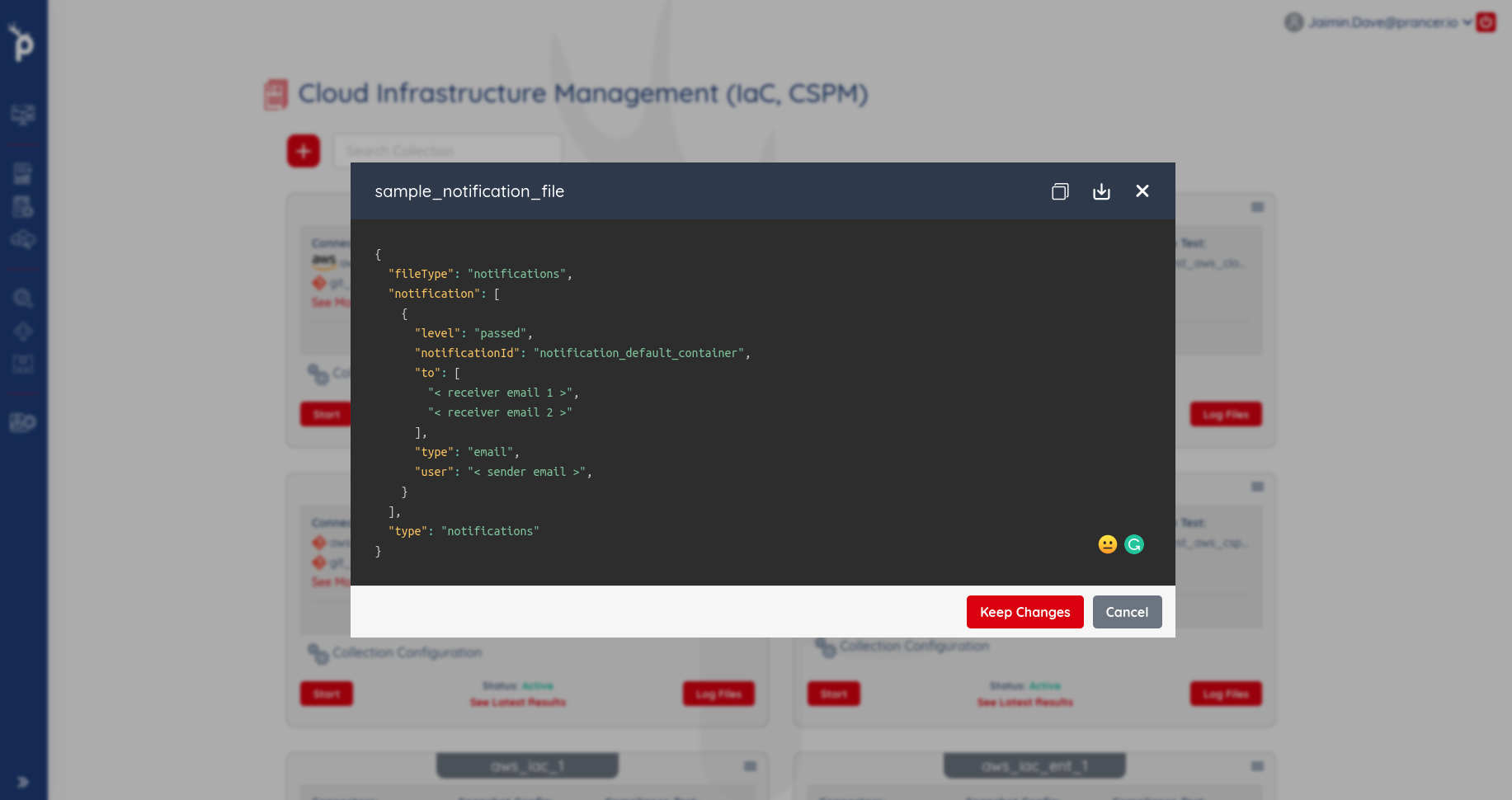
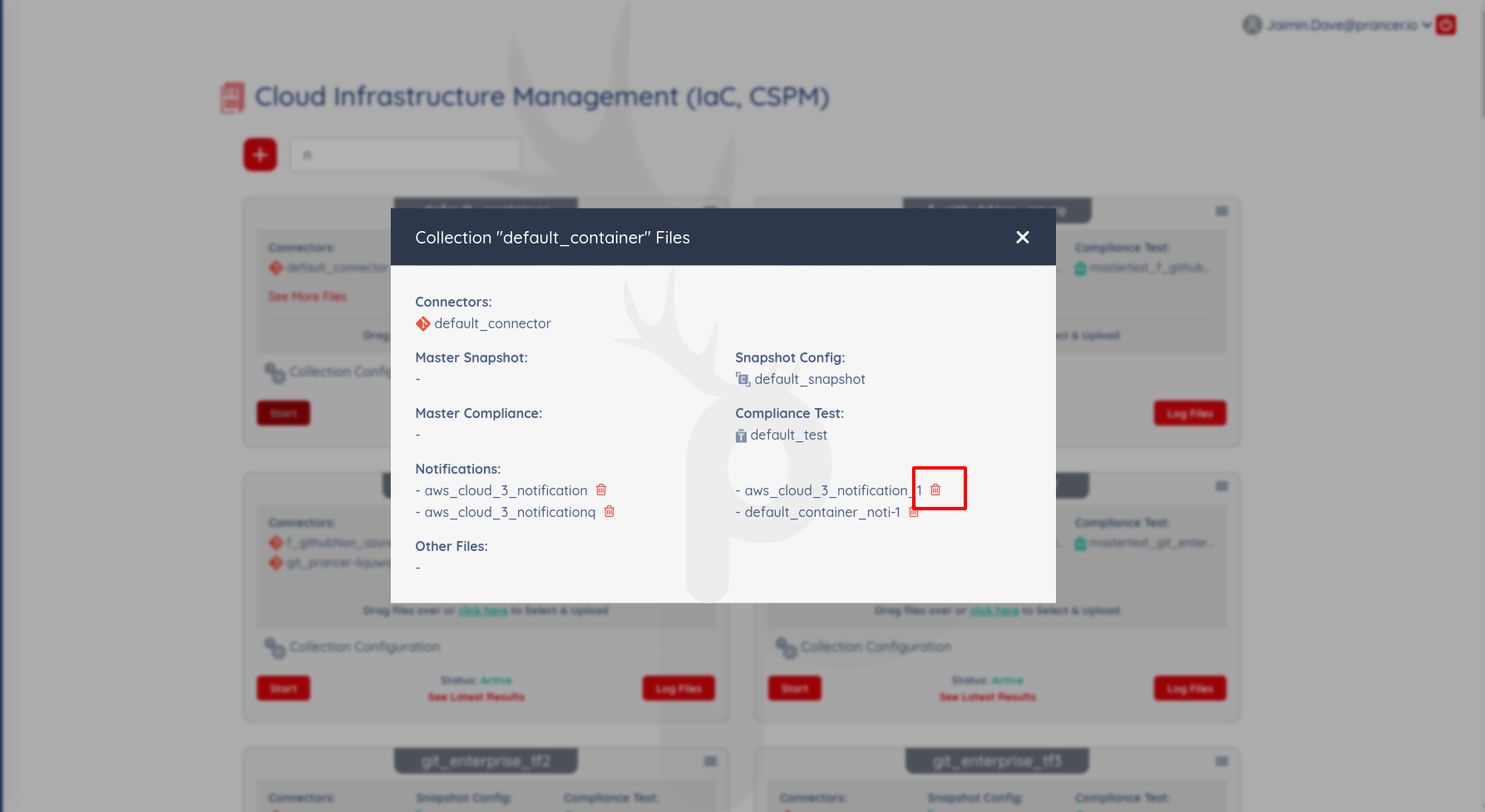
- View — open the collection's All files tab to list every notification file.
- Update — click the file name, edit, then click Keep Changes.
- Delete — use the trash icon next to the file row.
Step 3 — Wire it into a master-test file
Add the notification ID to the notification array of the master-test:
{
  "fileType": "mastertest",
  "connector": "<git_connector>",
  "connectorUsers": [],
  "masterSnapshot": "mastersnapshot_aws_cloud",
  "remoteFile": "aws/cloud/master-compliance-test.json",
  "notification": [
    { "notificationId": "<notification-id>" }
  ],
  "testSet": []
}
Note: Notifications fire only for runs of the master-test that references them — no email is sent when you run an unrelated compliance file.