Documentation / Home
Registration
Registration
Create your Prancer account and provision a tenant. Most users finish in under five minutes.
Tip: if your company buys through Microsoft, use the Azure Marketplace flow instead — billing is consolidated with your Azure invoice.
Before you start
- A corporate email address *(free email providers aren't supported).*
- *(Small Business plan)* a credit card for billing.
- *(Large Enterprise / MSSP plan)* nothing extra — our team will reach out to finish provisioning.
1. Open the registration page
Go to register.prancer.io.
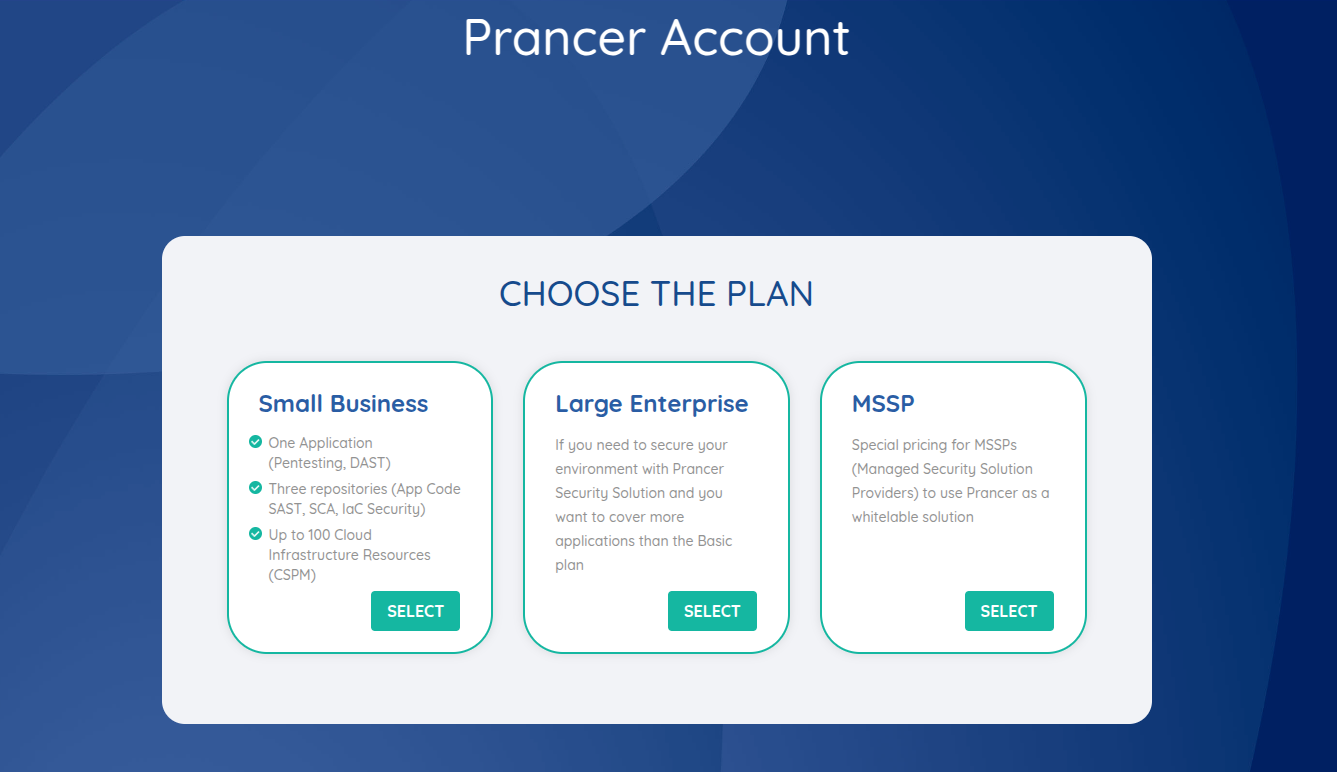
2. Choose a plan
Click SELECT under the plan that fits your team.
3. Fill in your profile
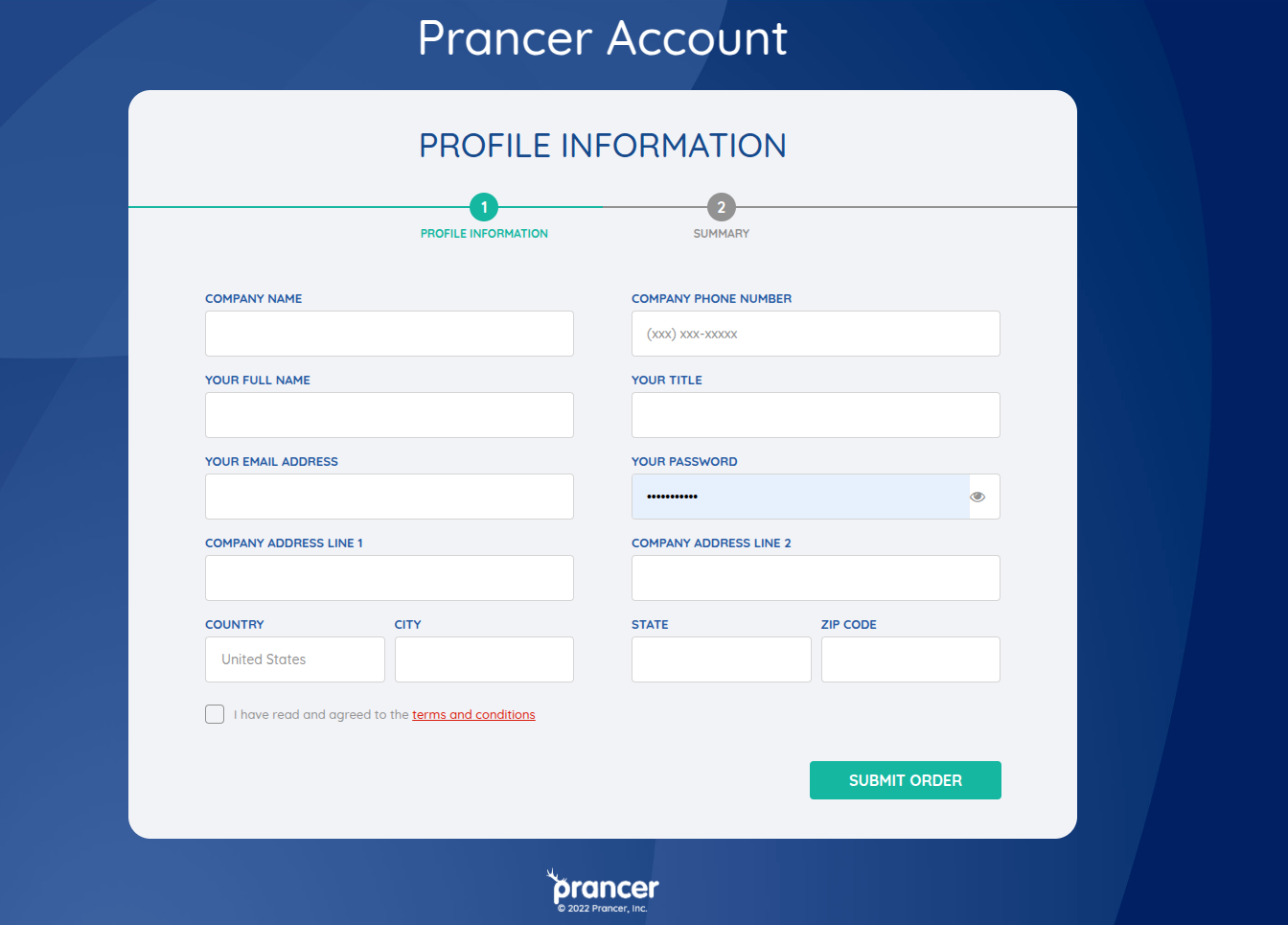
Large Enterprise & MSSP
Complete the form and click Submit Order. Our team will contact you to finalize provisioning.
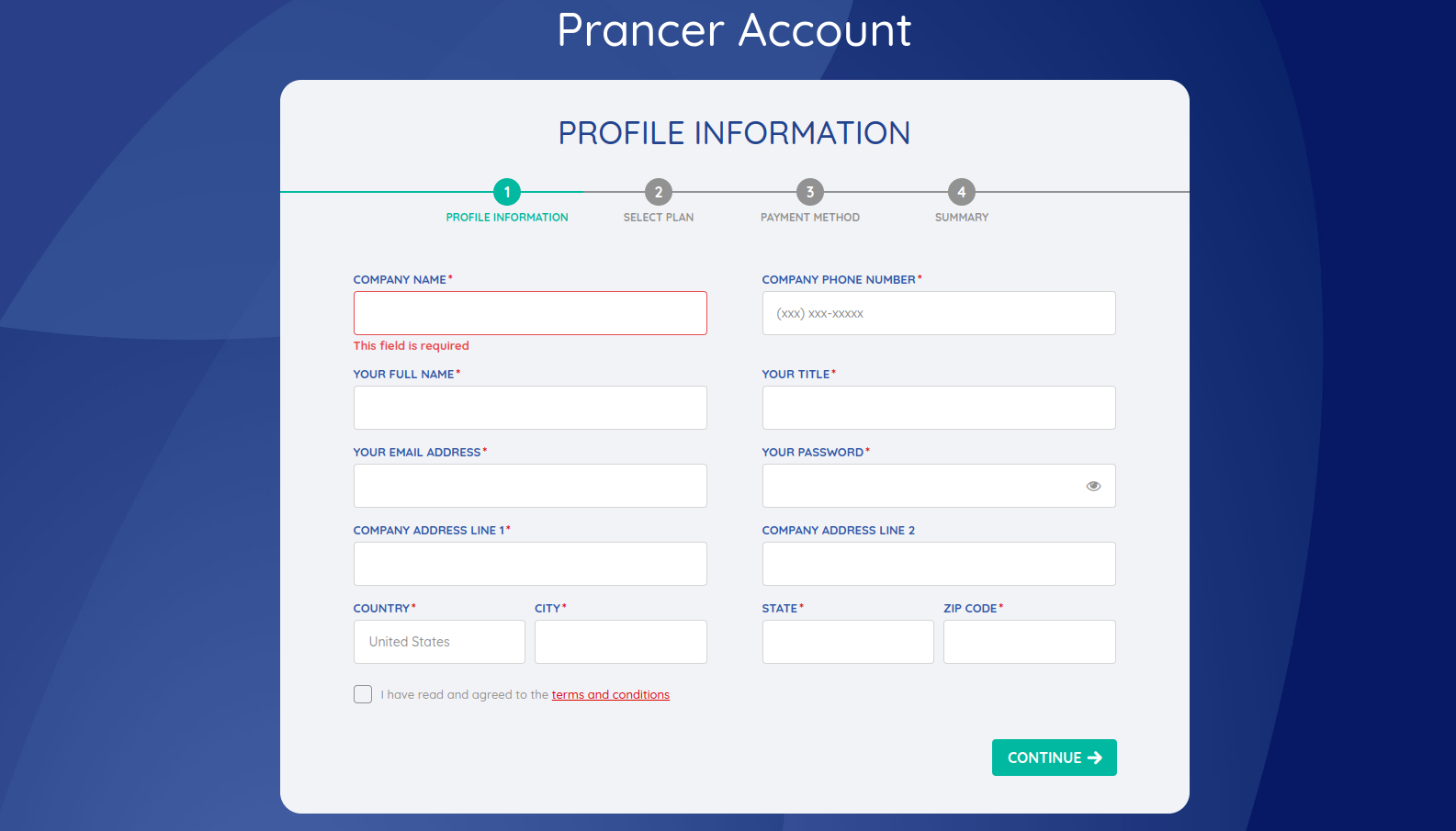
Small Business
Fill in the required fields and click Continue.
Small Business: extra steps
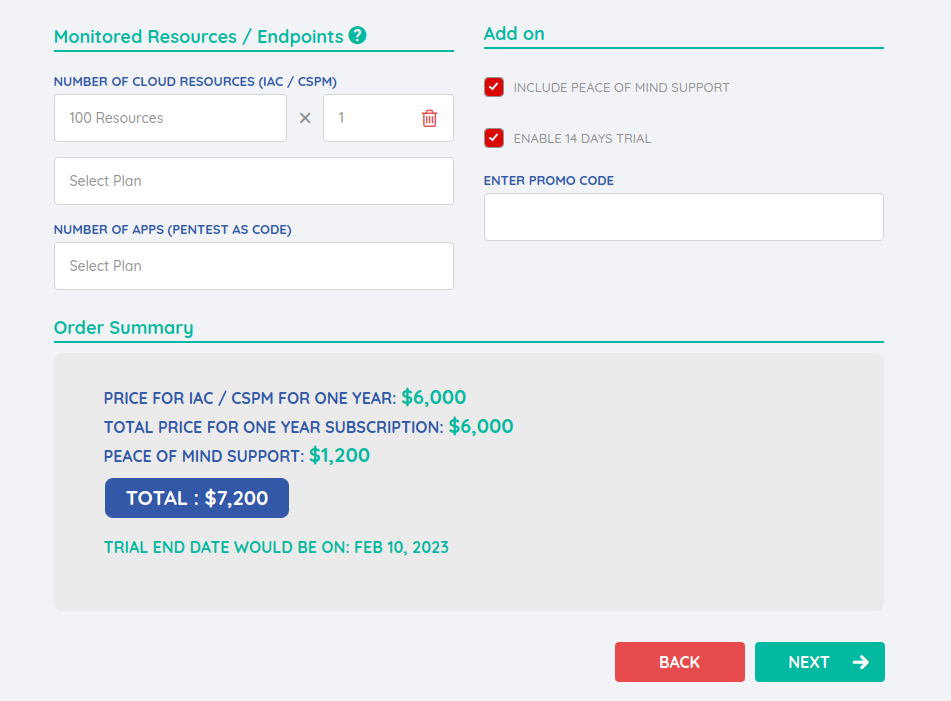
4. Pick resources and support
- Choose how many cloud resources and apps you need from the pricing table.
- *(Optional)* add the Peace of Mind support add-on.
- Review the order summary, then click Next.
5. Billing & payment
Enter your billing address and payment details, then click Submit Order.
6. Confirm and access the portal
You'll receive an order confirmation email immediately.
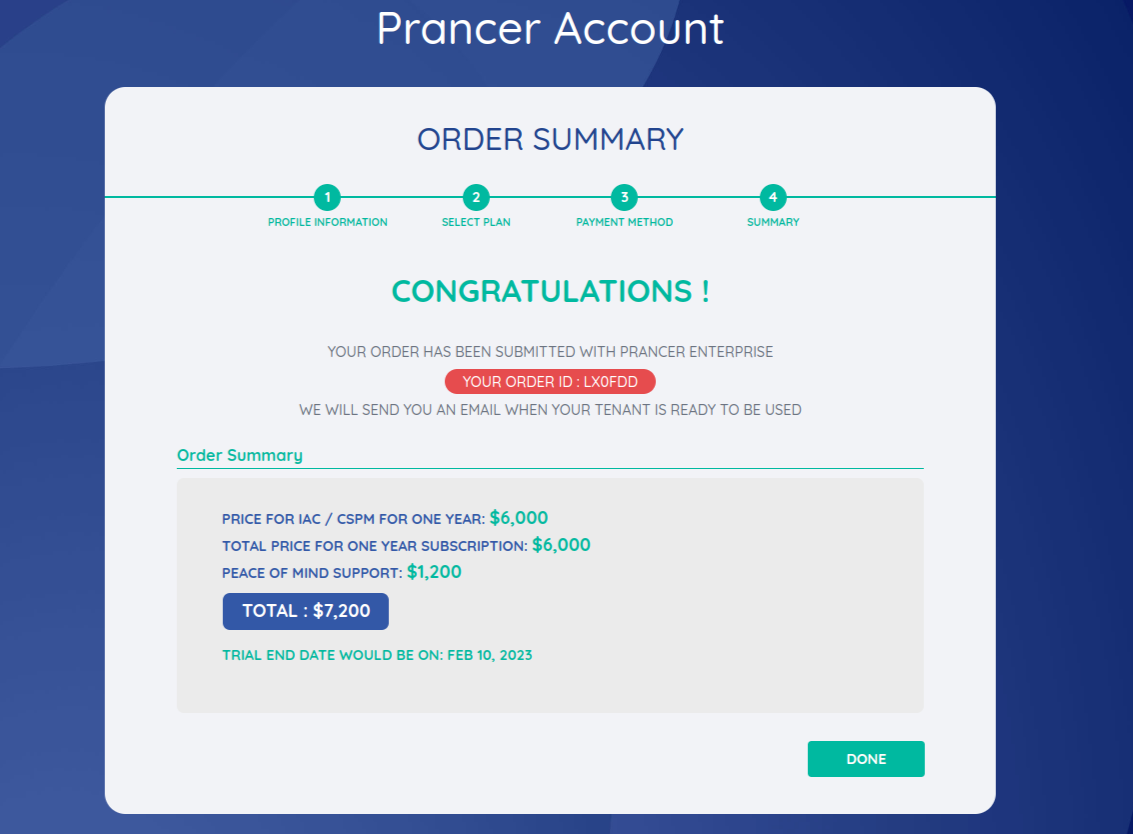
When your tenant is ready (usually within a few minutes), a second email arrives with your portal URL.
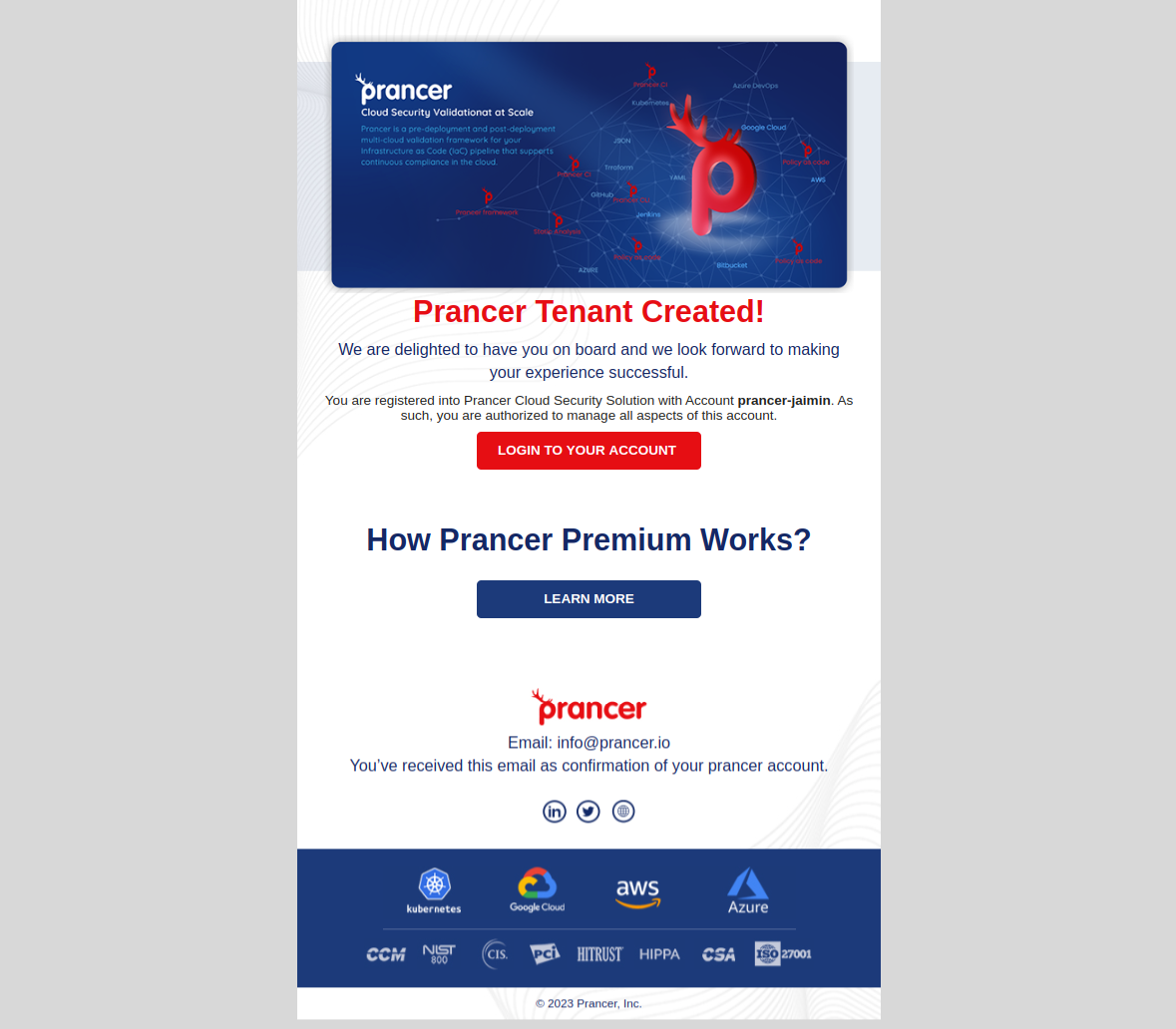
Warning: the portal URL is unique to your company (https://portal.prancer.io/<your-company-id>). Bookmark it.
Next steps
- Log in to the portal
- Generate an API token for CLI and CI/CD use
- Invite your team
- Run your first scan with the Quick Start