Documentation / Snapshots
Master Snapshot
Master Snapshot
A Master Snapshot declares the *types* of resources you care about (e.g. "all Storage Accounts in this subscription"). When you run the Crawler, Prancer expands the master snapshot into a concrete Snapshot listing every matching resource. See the Snapshot definition reference.
Before you start
- A collection with a Connector for the target cloud.
- A Master Snapshot JSON authored locally, or generated by the CSPM Wizards.
View Master Snapshot files
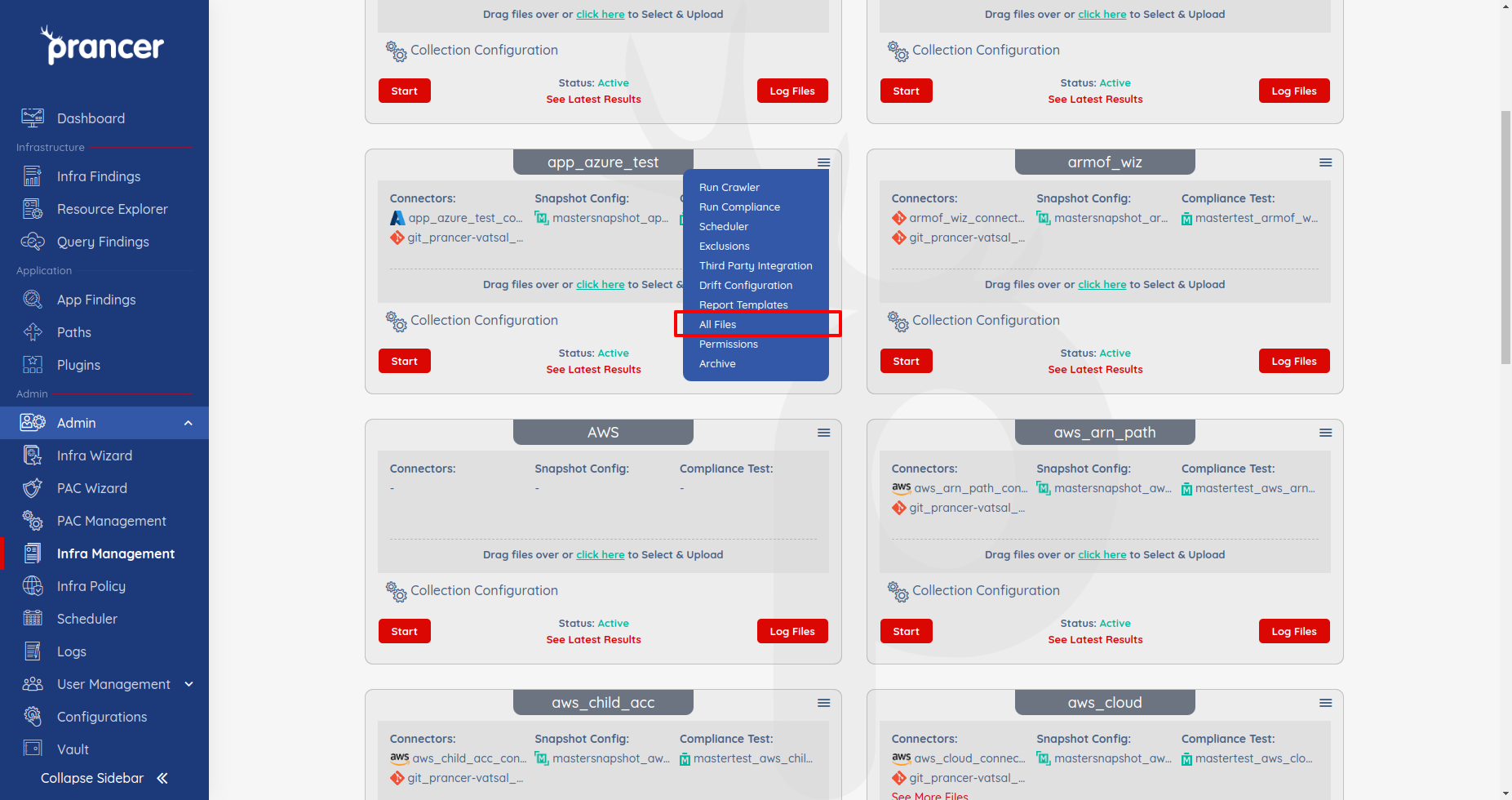
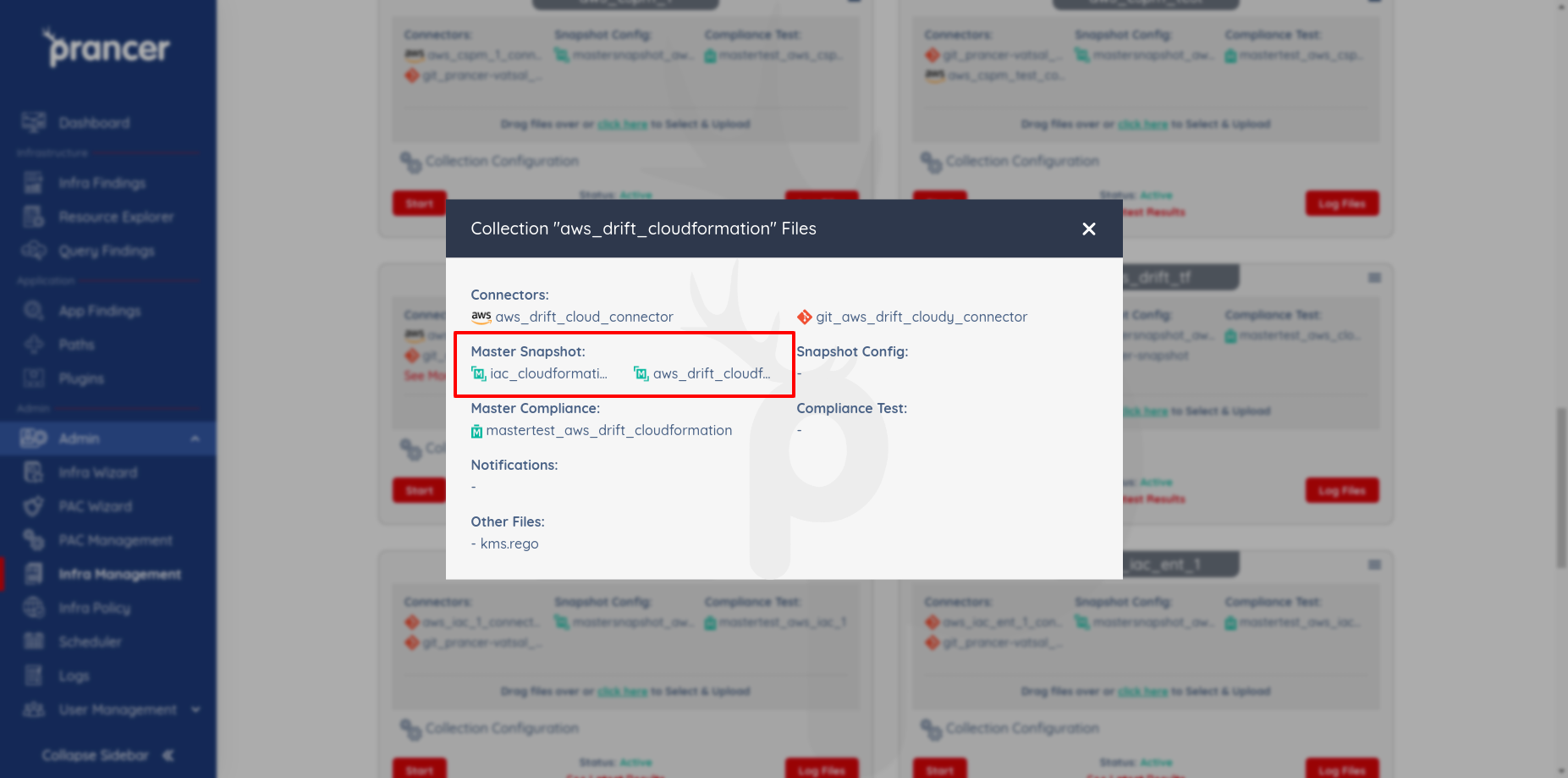
Open the collection drop-down → All Files. The Mastersnapshot header lists every master snapshot in the collection.
1. Upload a Master Snapshot
Drag-and-drop one or more JSON files, or click Click here.
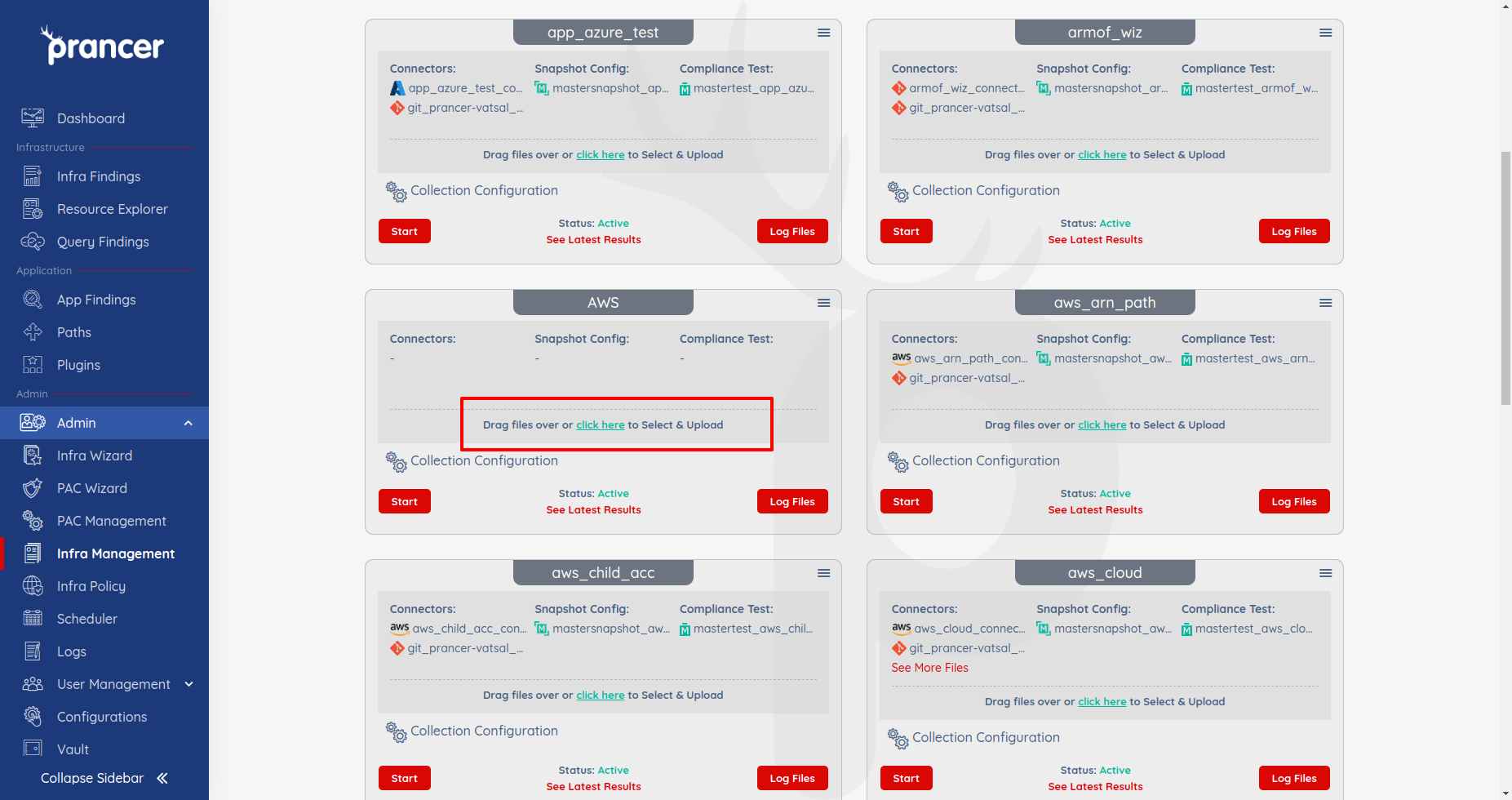
Warning: Same-name uploads overwrite the existing file. There is no version history — keep a copy locally if needed.
2. Edit a Master Snapshot
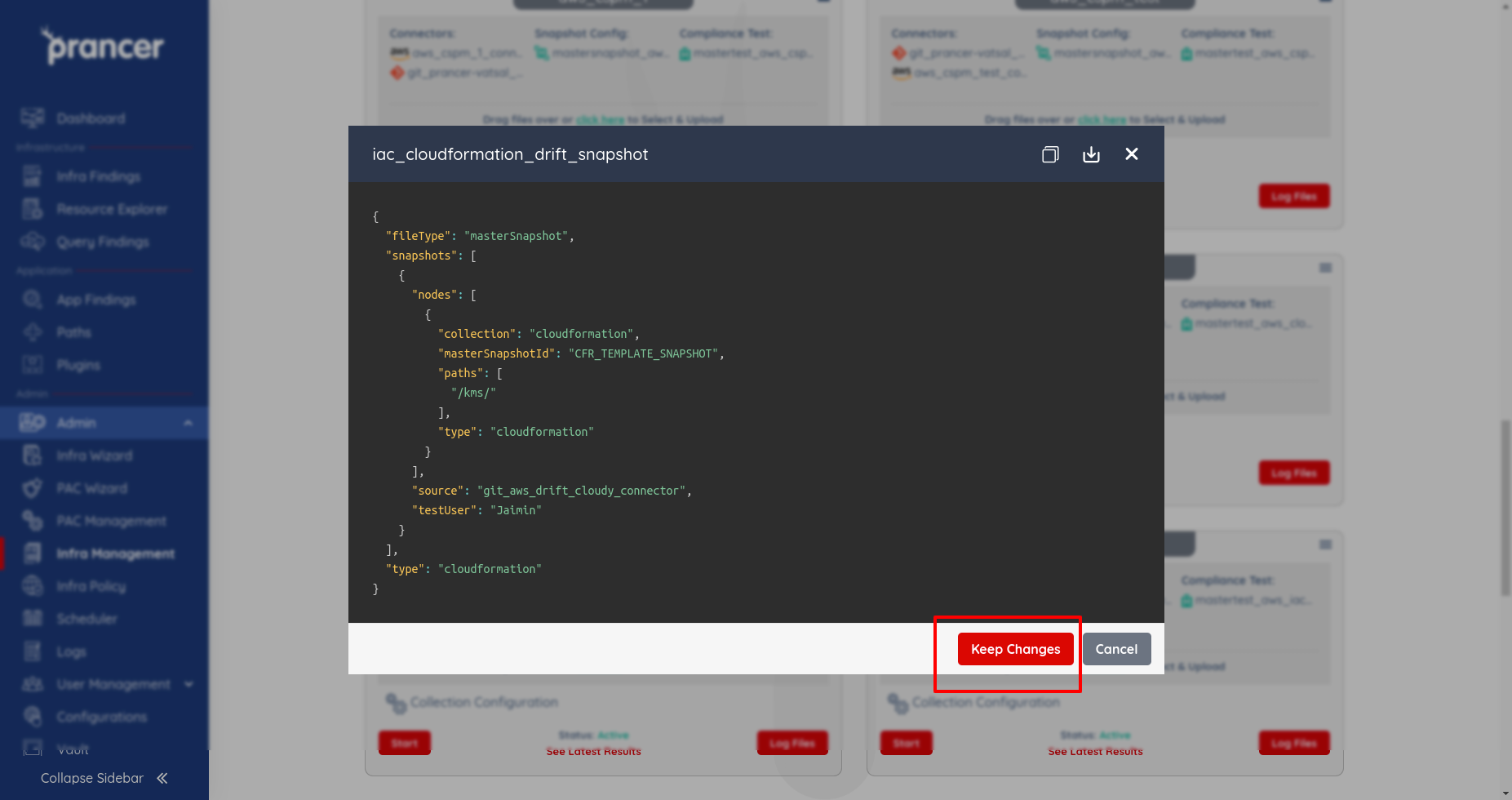
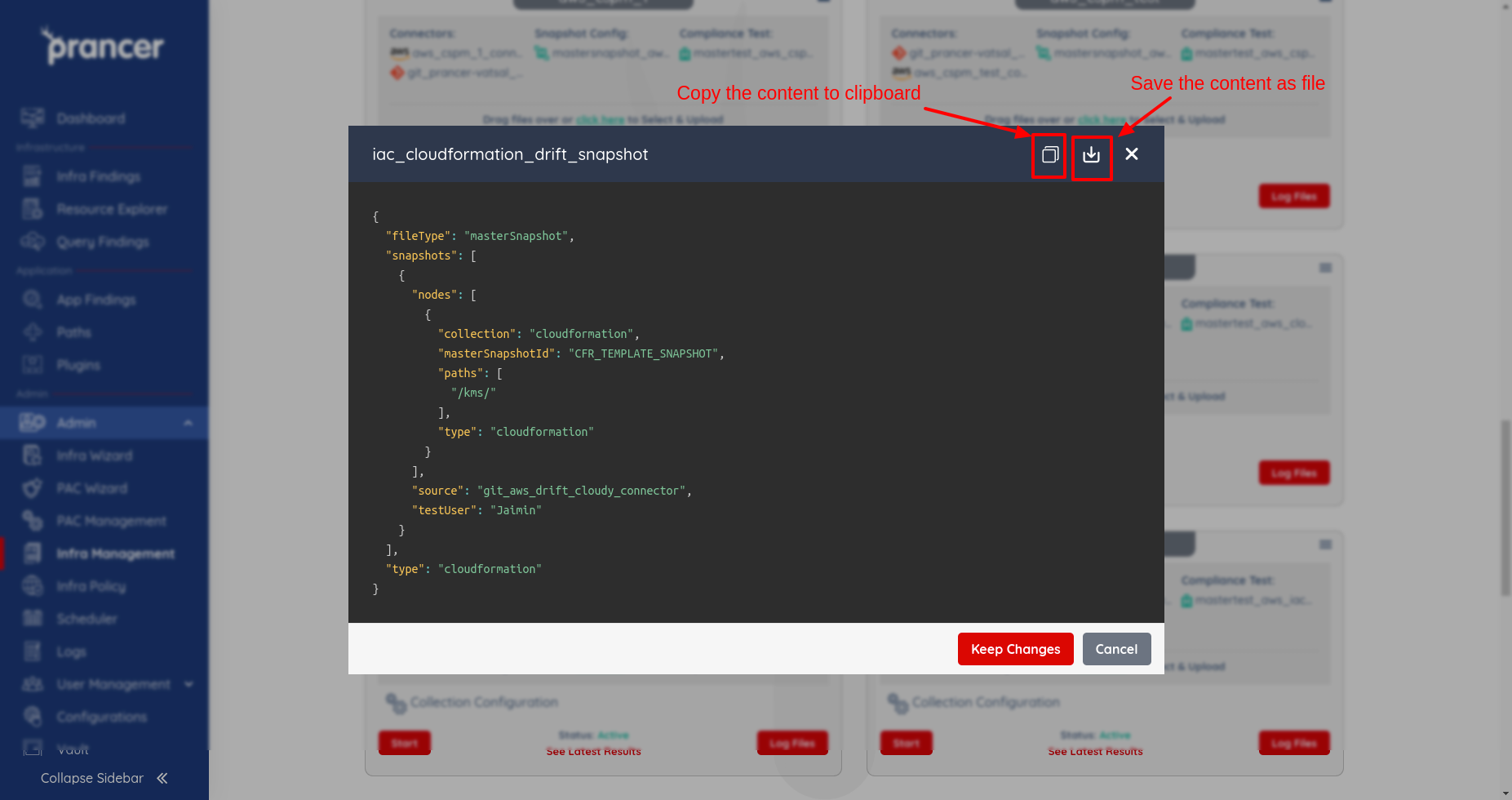
Click the file name, edit the JSON, and click Keep Changes.
3. Copy or download a Master Snapshot
Use the Copy to clipboard or Download icons.
Tip: Pair every Master Snapshot with a Master Compliance file so newly-discovered resources are automatically validated.
Next steps
- Crawler — expand the master snapshot into a live snapshot.
- Master Compliance — apply rules to every discovered resource.
- CSPM Wizards — generate connector + master snapshot in one go.